

Product Screenshots
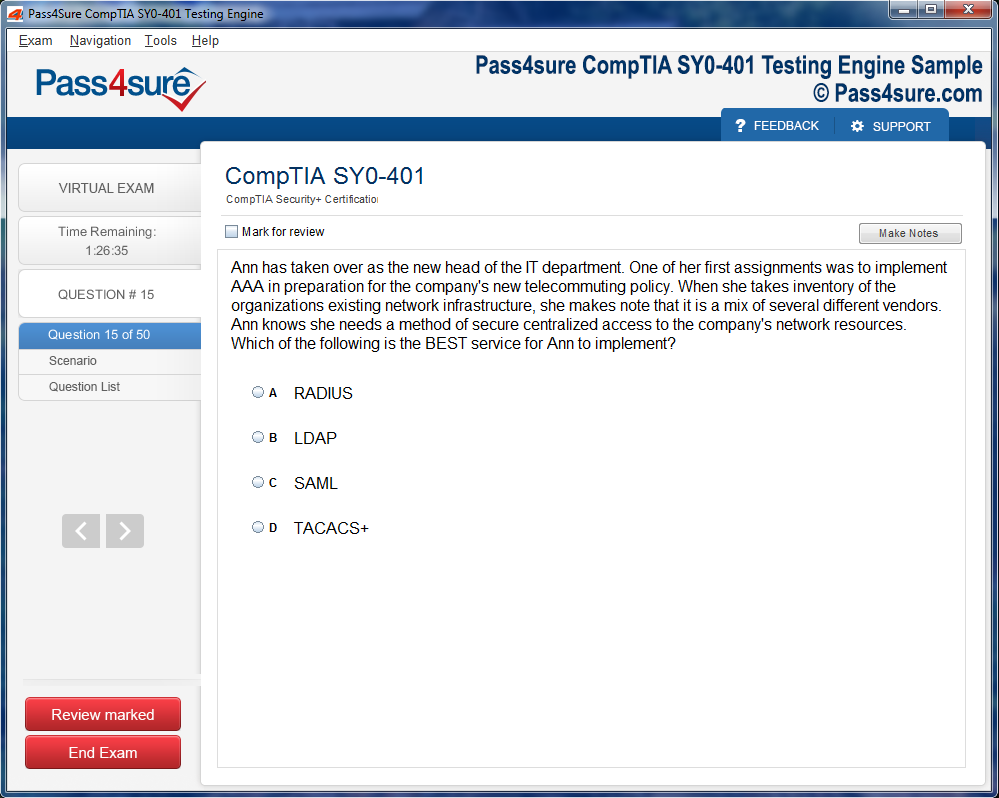
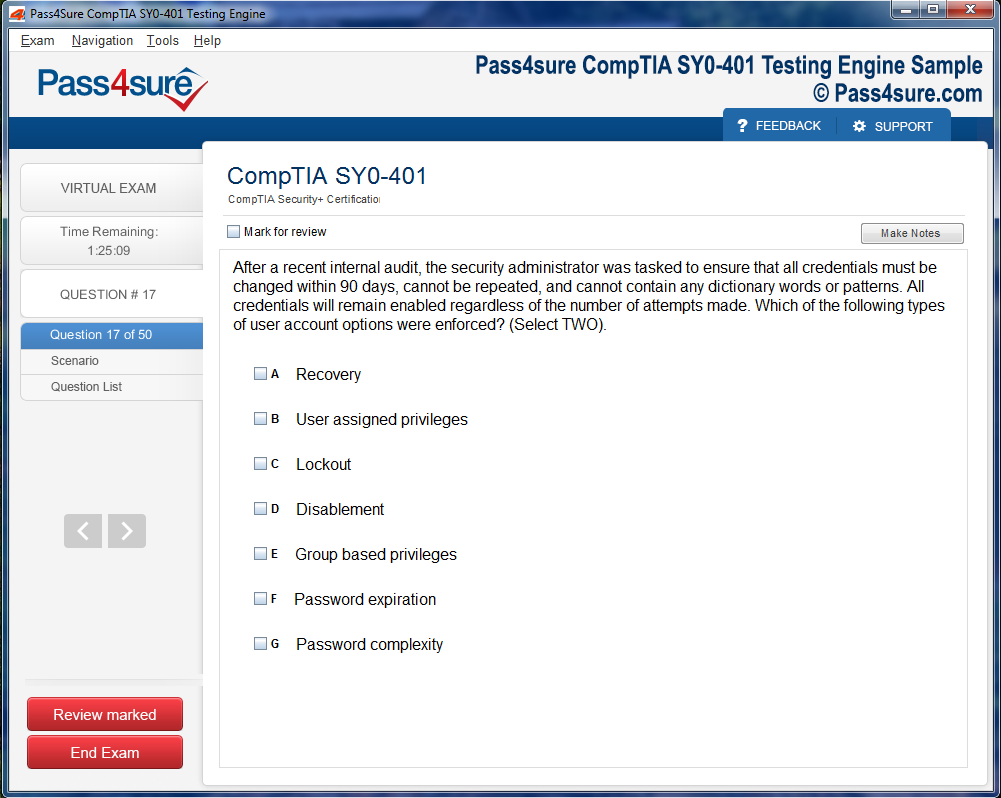
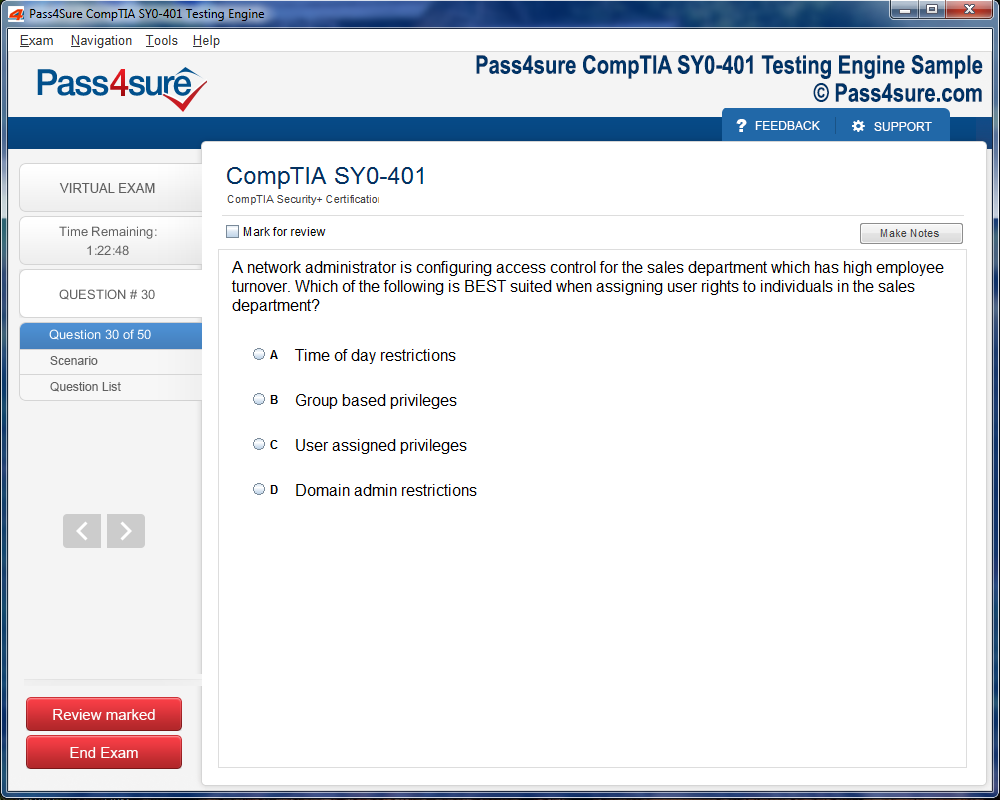
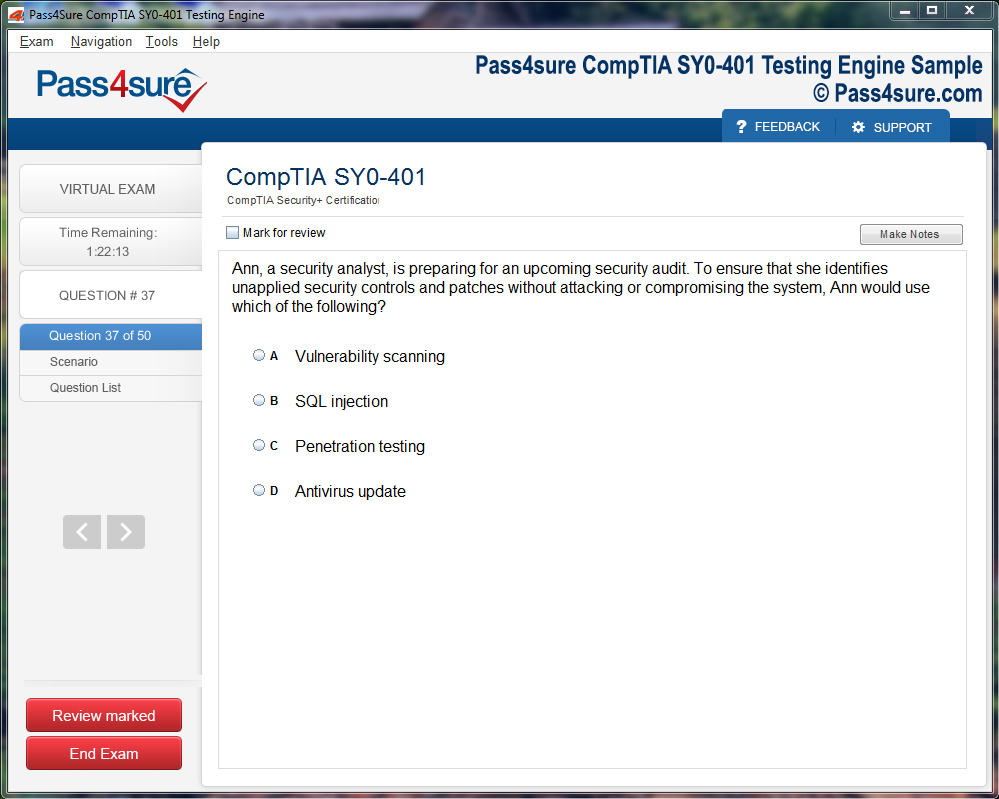
Frequently Asked Questions
How does your testing engine works?
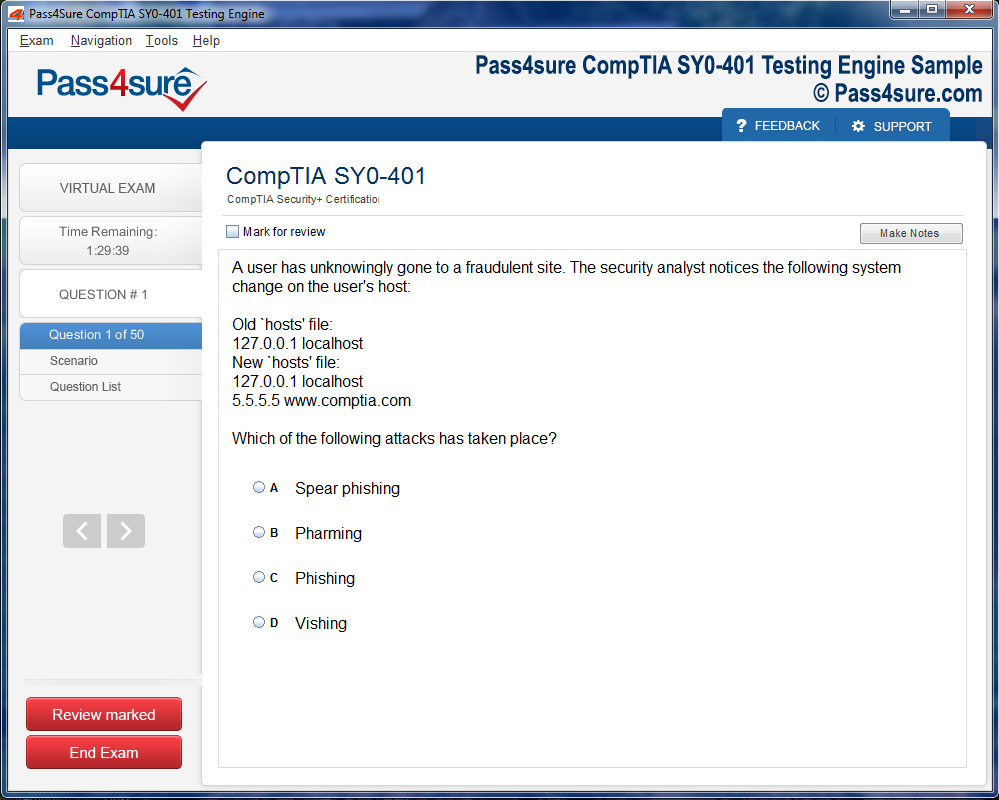
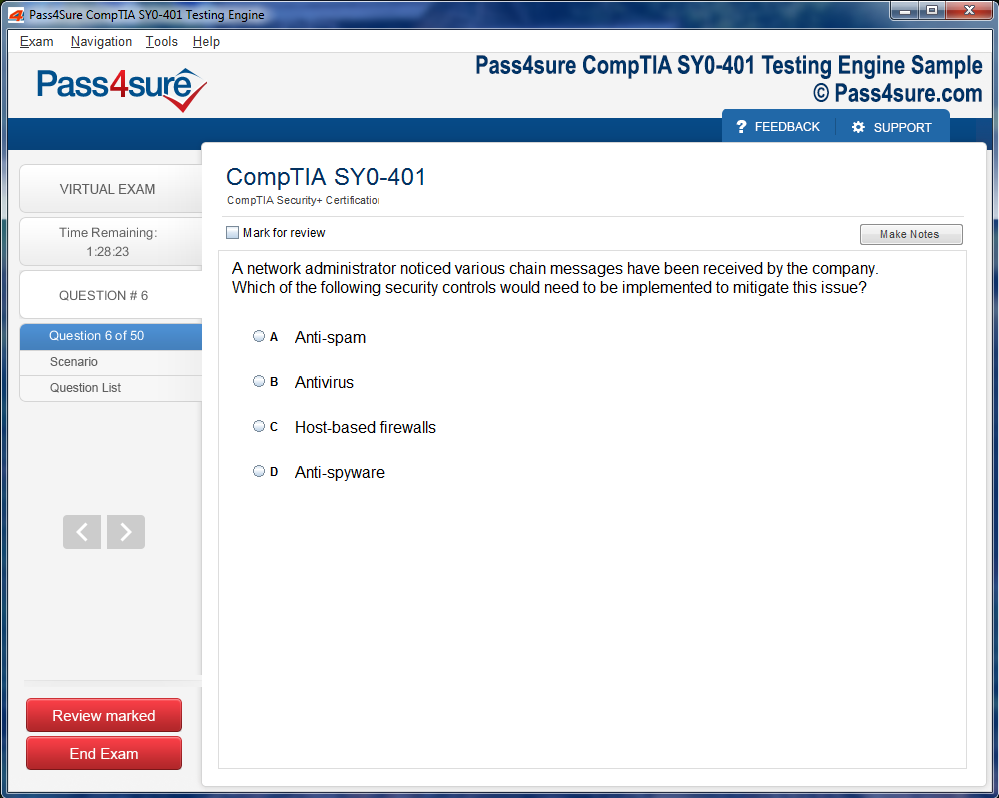
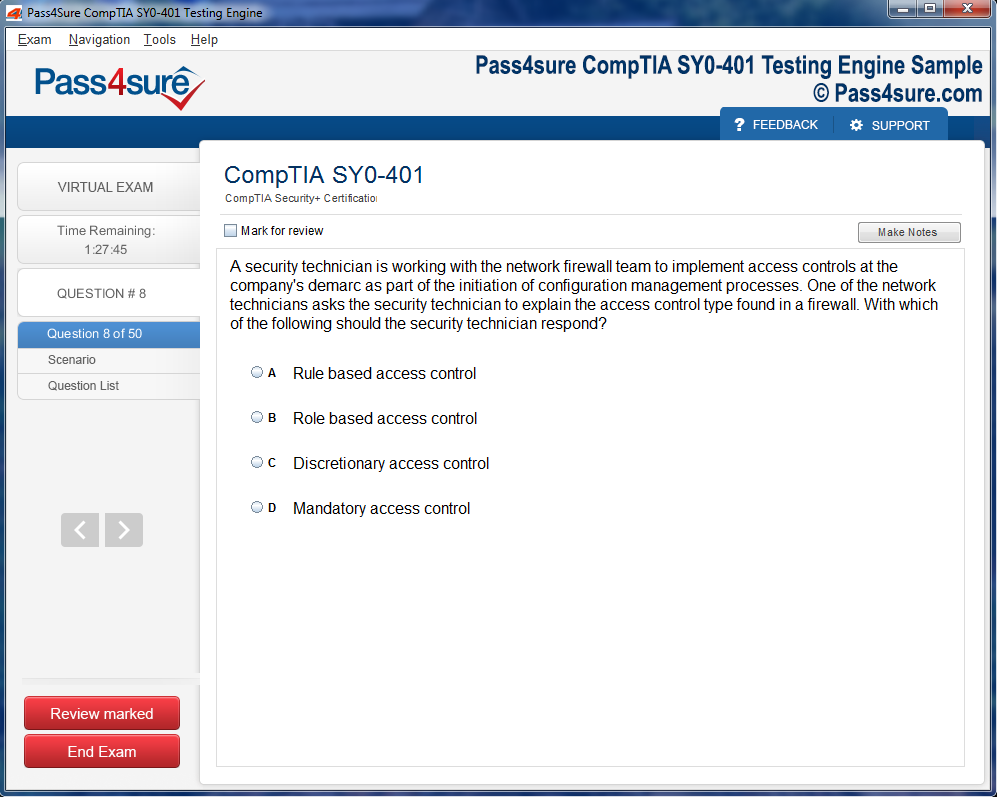
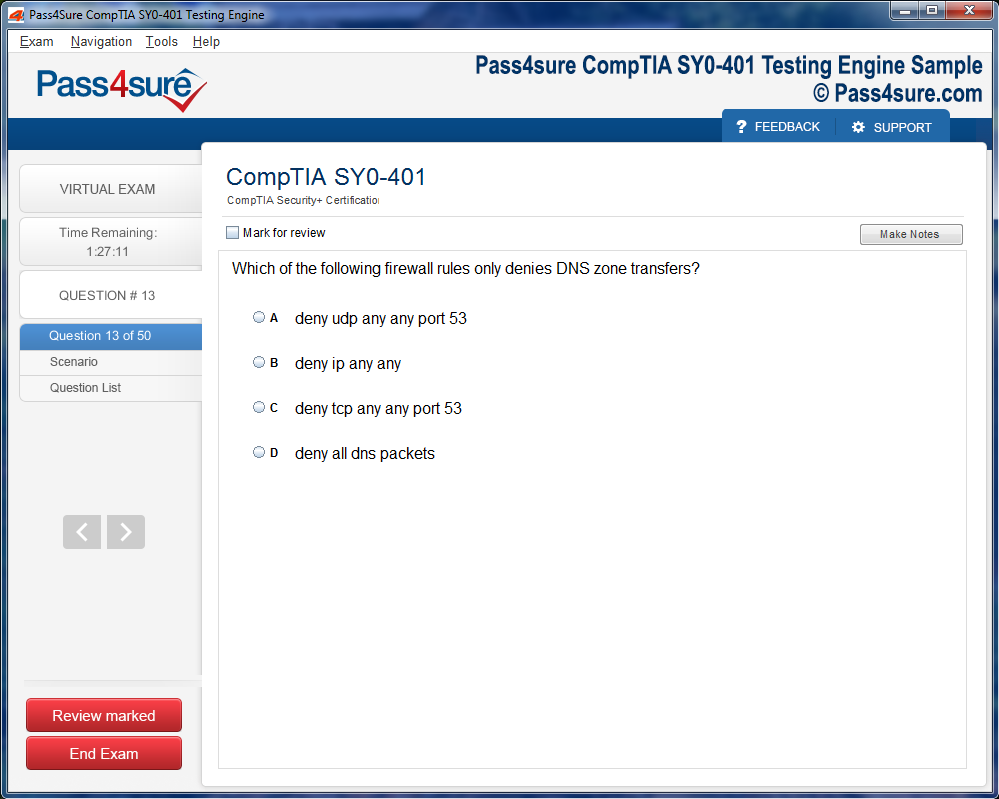
Once download and installed on your PC, you can practise test questions, review your questions & answers using two different options 'practice exam' and 'virtual exam'. Virtual Exam - test yourself with exam questions with a time limit, as if you are taking exams in the Prometric or VUE testing centre. Practice exam - review exam questions one by one, see correct answers and explanations.
How can I get the products after purchase?
All products are available for download immediately from your Member's Area. Once you have made the payment, you will be transferred to Member's Area where you can login and download the products you have purchased to your computer.
How long can I use my product? Will it be valid forever?
Pass4sure products have a validity of 90 days from the date of purchase. This means that any updates to the products, including but not limited to new questions, or updates and changes by our editing team, will be automatically downloaded on to computer to make sure that you get latest exam prep materials during those 90 days.
Can I renew my product if when it's expired?
Yes, when the 90 days of your product validity are over, you have the option of renewing your expired products with a 30% discount. This can be done in your Member's Area.
Please note that you will not be able to use the product after it has expired if you don't renew it.
How many computers I can download Pass4sure software on?
You can download the Pass4sure products on the maximum number of 2 (two) computers or devices. If you need to use the software on more than two machines, you can purchase this option separately. Please email sales@pass4sure.com if you need to use more than 5 (five) computers.
What are the system requirements?
Minimum System Requirements:
- Windows XP or newer operating system
- Java Version 8 or newer
- 1+ GHz processor
- 1 GB Ram
- 50 MB available hard disk typically (products may vary)
What operating systems are supported by your Testing Engine software?
Our testing engine is supported by Windows. Andriod and IOS software is currently under development.
100-890: Your Guide to Supporting Cisco Collaboration Devices
The 100-890 Supporting Cisco Collaboration Devices examination represents an important entry point for technology professionals seeking to establish credibility and competency in the Cisco collaboration ecosystem. As organizations increasingly rely on sophisticated unified communications infrastructure to support distributed workforces and complex operational environments, the professionals who support these systems carry genuine responsibility for keeping business communications running smoothly and reliably. This certification provides the structured technical foundation that support professionals need to handle the collaboration device support challenges they encounter daily with confidence and systematic effectiveness.
Cisco collaboration technology has become central to how modern organizations conduct their internal and external communications, making skilled support professionals more valuable than ever. The shift toward hybrid work models has accelerated adoption of Cisco collaboration endpoints, video conferencing systems, and unified communications platforms in organizations of every size and industry. Professionals who demonstrate certified competency in supporting these technologies position themselves for meaningful career advancement in a field with strong and growing demand, while simultaneously providing their organizations with the technical assurance that comes from employing formally validated collaboration support expertise.
What the 100-890 Examination Tests and Why It Matters
The 100-890 examination is formally titled Supporting Cisco Collaboration Devices and carries the CLTECH designation within the Cisco certification framework. It serves as the qualifying examination for the Cisco Certified Technician Collaboration certification, which targets professionals who provide onsite and remote support for Cisco collaboration systems. The exam tests a candidate's ability to identify Cisco collaboration components, diagnose common problems, restore service using established procedures, and support end users who depend on collaboration devices for their daily work activities.
The practical focus of this examination distinguishes it from more theoretical credentials and makes it particularly relevant to the technicians, help desk professionals, and field support engineers who interact with Cisco collaboration systems in real operational environments. Employers who need support staff capable of resolving collaboration device issues quickly and correctly value this certification because it provides objective evidence that a candidate has been evaluated against a defined technical standard relevant to the actual work they will perform. The certification matters in career terms precisely because it reflects practical support competency rather than abstract technical knowledge disconnected from real support scenarios.
The Cisco Certified Technician Collaboration Certification Framework
The Cisco Certified Technician Collaboration credential occupies a specific and well-defined position within the broader Cisco certification hierarchy. It sits below the associate level certifications like the CCNA Collaboration and is designed specifically for support technicians rather than engineers or administrators who design and configure systems from scratch. This positioning is intentional and reflects Cisco's recognition that support technicians need a different and specifically focused set of competencies compared to the design and implementation engineers who build the systems they support.
The CCT Collaboration framework acknowledges that effective support work requires deep familiarity with physical components, hardware identification, basic configuration restoration, diagnostic procedures, and escalation protocols rather than the full architectural design knowledge expected of higher-level certification holders. Professionals who earn the CCT Collaboration credential signal to employers that they understand the support domain specifically and have the practical skills to perform the restore and replace type work that keeps collaboration systems operational. This focused credential complements rather than competes with higher-level Cisco certifications and often serves as a first step for professionals building toward associate and professional level credentials over the course of their careers.
Core Topic Areas Covered in the Examination Blueprint
The 100-890 examination blueprint covers several interconnected topic areas that together represent the knowledge base a collaboration support technician needs. Cisco collaboration infrastructure is a foundational area covering the components that make up enterprise collaboration environments including call control systems, voice gateways, collaboration endpoints, and the network infrastructure that carries voice and video traffic. Candidates must be able to identify and describe these components and understand how they relate to each other within a complete collaboration solution.
Cisco Unified Communications Manager is a central topic because it serves as the call processing platform for most enterprise Cisco voice and collaboration deployments. Support technicians need to understand its basic architecture, how endpoints register to it, how to access its administration interface, and how to perform basic troubleshooting and restoration tasks when issues arise. Endpoint hardware including Cisco IP phones, video endpoints, and collaboration room systems requires knowledge of physical identification, basic configuration, registration procedures, and common hardware issues. Network infrastructure topics relevant to collaboration support including power over Ethernet, virtual local area networks for voice traffic separation, and quality of service fundamentals round out the core technical areas that the examination addresses.
Understanding Cisco Collaboration Infrastructure Components
A solid understanding of Cisco collaboration infrastructure components is foundational to success on the 100-890 examination and to effective performance in a collaboration support role. The infrastructure that supports enterprise collaboration typically includes multiple interconnected components that work together to deliver voice, video, and messaging capabilities to end users. Support technicians who understand how these components relate to each other can trace problems more effectively and identify which component in the chain is causing a specific symptom rather than guessing or applying fixes indiscriminately.
Cisco Unified Communications Manager clusters consist of multiple servers that provide call processing redundancy and scalability for enterprise deployments. Voice gateways connect the IP-based collaboration infrastructure to the public switched telephone network and to on-premises analog and digital telephone equipment. Session border controllers manage SIP trunk connections to external service providers and provide security and protocol interoperability functions at the network boundary. Understanding the roles of each of these components and how they interact during normal call processing and during failure scenarios provides the contextual framework that makes specific troubleshooting knowledge more meaningful and applicable to real support situations.
Cisco IP Phone Hardware Identification and Support
Cisco IP phones represent the most commonly encountered collaboration endpoint type for support technicians, and the 100-890 examination tests detailed knowledge of Cisco phone hardware across multiple product families. Support technicians must be able to identify specific phone models by their physical appearance and model numbers, understand the hardware differences between models including display capabilities, button layouts, audio quality specifications, and connectivity options, and know which phone models are compatible with which versions of Cisco Unified Communications Manager.
Physical phone hardware support involves understanding how to replace handsets, headsets, and other peripheral components, how to power cycle phones and initiate factory resets when necessary, and how to interpret the various LED indicators and display messages that phones use to communicate their operational status. The difference between phones powered through power over Ethernet from network switches and phones requiring separate power adapters is practically important because power delivery failures are a common cause of phone outages that support technicians must be able to diagnose quickly. Candidates should develop familiarity with the physical characteristics and support procedures for the most common Cisco phone models including the Cisco 7800 and 8800 series phones that appear prominently in real enterprise environments and in examination content.
Video Collaboration Endpoint Support Fundamentals
Video collaboration endpoints represent an increasingly important category of collaboration device that support technicians encounter in modern enterprise environments. Cisco offers a range of video endpoints from personal desktop devices to large room systems designed for boardrooms and training facilities, and each category presents specific support considerations related to hardware components, connectivity requirements, registration procedures, and common failure modes. The 100-890 examination tests knowledge of video endpoint support across these different device categories.
Cisco Webex Desk and Room series devices are among the most commonly deployed video collaboration endpoints in current enterprise environments and receive corresponding examination attention. Support technicians must understand how these devices connect to the network, how they register to Cisco Unified Communications Manager or to the Cisco Webex cloud, how to perform basic configuration and factory reset procedures, and how to diagnose common issues related to camera, microphone, display, and network connectivity. The integration of these devices with room peripherals like external displays, microphone arrays, and room control systems adds additional support complexity that technicians must be prepared to address in environments where complete room system solutions are deployed.
Cisco Unified Communications Manager Basic Administration
Cisco Unified Communications Manager administration knowledge at the level required for support technicians focuses on the ability to navigate the administration interface, locate relevant configuration information, perform basic restoration tasks, and access the tools needed to diagnose endpoint registration and calling issues. Support technicians are not expected to design dial plans or configure complex calling features from scratch, but they must be capable of locating existing configurations, verifying that endpoints are correctly registered, and restoring configurations that have been accidentally modified or corrupted.
The Cisco Unified Communications Manager administration interface provides access to phone registration status, device configuration pages, directory number assignments, and the real-time monitoring tools that show current system status. Support technicians should understand how to locate a specific phone in the system by its MAC address or directory number, verify its registration status, review its configuration for obvious errors, and use the remote reset and restart capabilities that allow technicians to restore phones without physical access. The unified real-time monitoring tool provides system health information and alerting capabilities that support technicians use to identify service degradation and component failures affecting collaboration system performance.
Network Fundamentals Relevant to Collaboration Support
Effective collaboration support requires a working understanding of the network fundamentals that affect how voice and video traffic is delivered to endpoints. Power over Ethernet is a foundational topic because the vast majority of Cisco IP phones and many smaller video endpoints receive both data connectivity and electrical power through a single Ethernet cable connected to a PoE-capable network switch. Support technicians must understand PoE standards and power budgets, know how to verify whether a switch port is providing PoE, and be able to diagnose power-related phone failures by testing with alternative power sources.
Virtual local area network configuration for voice traffic is another important network topic because most enterprise deployments use dedicated voice VLANs that separate voice traffic from data traffic for quality and security reasons. IP phones in these environments receive two VLAN assignments, a data VLAN for the PC port that many phones include and a voice VLAN for the phone's own traffic. Support technicians who understand how voice VLAN assignment works through the Cisco Discovery Protocol or LLDP-MED can diagnose registration failures that result from incorrect VLAN configuration at the switch port level. Quality of service concepts including traffic marking and queuing are relevant because voice and video traffic requires priority treatment on shared network infrastructure to maintain acceptable quality levels.
Troubleshooting Methodologies for Collaboration Device Issues
Systematic troubleshooting methodology is one of the most valuable skills a collaboration support technician can develop, and the 100-890 examination tests the ability to apply structured diagnostic approaches to common collaboration device problems. Effective troubleshooting begins with accurate problem definition through careful questioning of the affected user to determine exactly what symptoms are occurring, when they started, whether other users are affected, and what if anything changed in the environment around the time the problem began. This information gathering phase is critical because the answers it produces guide the rest of the diagnostic process toward the most likely causes.
The OSI model provides a useful framework for systematic troubleshooting of collaboration issues because it encourages technicians to verify each layer of the communication stack methodically rather than jumping to conclusions about the cause of a problem. Starting at the physical layer by verifying cable connections, LED status indicators, and power delivery before moving up through network connectivity, IP addressing, registration protocol behavior, and finally application-level functionality produces more reliable diagnostic results than random testing. Support technicians who consistently apply this layered approach resolve issues more efficiently and develop a clearer understanding of the relationships between different layers of the collaboration system that improves their effectiveness over time.
Common Collaboration Device Failure Modes and Resolutions
Familiarity with the most common failure modes affecting Cisco collaboration devices and their standard resolutions is both practically essential for support work and directly relevant to examination preparation. Phone registration failures represent one of the most frequently encountered categories of collaboration support issues and can result from network connectivity problems, VLAN misconfiguration, DHCP server issues, TFTP server unreachability, or problems with the Unified Communications Manager configuration for the specific device. Support technicians must understand the registration sequence that IP phones follow when they boot and know how to diagnose failures at each step of that sequence.
Call quality issues including choppy audio, one-way audio, echo, and dropped calls represent another major category of collaboration support challenges that the examination addresses. These issues typically originate in network problems including insufficient bandwidth, inadequate quality of service configuration, packet loss, or excessive delay and jitter on the network path carrying voice traffic. Support technicians must understand how to use diagnostic tools including the phone's built-in statistics displays, the Unified Communications Manager real-time monitoring tool, and basic network analysis to identify the specific network conditions causing quality degradation and to communicate findings clearly to the network team responsible for remediation. Hardware failures including dead pixels on phone displays, malfunctioning buttons, failed speakerphones, and camera problems on video endpoints are also covered and require knowledge of replacement procedures and warranty handling processes.
Remote Support Tools and Techniques for Collaboration Devices
Remote support capabilities are increasingly important in modern enterprise environments where support technicians may need to resolve issues affecting devices in locations they cannot physically access quickly. Cisco provides several remote management capabilities for collaboration devices that support technicians must understand and be prepared to use effectively. The Cisco Unified Communications Manager administration interface includes remote reset and restart capabilities for registered phones, and the ability to push configuration changes remotely that take effect when a phone reregisters eliminates the need for physical intervention in many configuration-related support scenarios.
The Cisco Webex Control Hub provides cloud-based management capabilities for Webex-registered devices including remote configuration, diagnostics, and the ability to initiate remote reboot of devices that may be experiencing software or configuration issues. Support technicians working in organizations that use the Webex cloud platform must be familiar with Control Hub navigation and the device management capabilities it provides. Understanding the difference between devices managed through on-premises Unified Communications Manager and those registered to the Webex cloud is important because the appropriate remote management tools and procedures differ significantly between these two deployment models, and support technicians must know which model applies to the specific device they are supporting before selecting the appropriate management approach.
Preparing Effectively for the 100-890 Examination
Effective preparation for the 100-890 examination combines structured study of the official examination topics with hands-on practice using real or simulated Cisco collaboration equipment wherever possible. Cisco offers official training through its authorized learning partner network, and the Supporting Cisco Collaboration Devices course that maps directly to this examination provides instructor-led instruction covering all examination domains with laboratory exercises that build practical skills alongside conceptual understanding. Candidates who complete the official training course develop a strong foundational knowledge base and the hands-on familiarity with Cisco collaboration interfaces and devices that the examination tests.
Self-study candidates who do not have access to official instructor-led training can use Cisco documentation, the Cisco Learning Network resources, and third-party study guides to cover the examination content. Access to physical Cisco collaboration equipment, even older models obtained through the secondary market, provides invaluable hands-on practice that purely text-based study cannot replicate. Navigating real Cisco Unified Communications Manager interfaces, physically handling and configuring Cisco IP phones, and working through actual troubleshooting scenarios in a lab environment builds the practical familiarity that helps candidates recognize correct answers to scenario-based examination questions and that directly supports effective performance in real support roles.
Career Pathways Available After Earning the CCT Collaboration
The CCT Collaboration certification earned by passing the 100-890 examination opens several career pathways for support professionals in the Cisco collaboration space. Entry-level positions in organizations that use Cisco collaboration infrastructure including help desk roles, field technician positions, and desktop support roles that include collaboration device support become more accessible to CCT-certified candidates because the credential provides objective validation of the specific technical knowledge these roles require. Cisco partner organizations that provide support services to enterprise clients actively seek CCT-certified technicians because the credential demonstrates the minimum competency level required to support customers effectively and because Cisco partner status requirements may include having certified staff members.
The CCT Collaboration certification also serves as a natural stepping stone toward more advanced Cisco collaboration certifications for professionals who want to build deeper technical expertise and advance into engineering and administration roles. The CCNA, which requires passing a single comprehensive examination covering networking fundamentals, provides the next level of certification for those interested in broader networking credentials. The Cisco Certified Network Professional Collaboration certification targets professionals who design, implement, and manage complete collaboration solutions at an advanced level. Professionals who begin their certification journey with the CCT Collaboration and progressively advance toward higher credentials build a certification portfolio that supports career progression from entry-level support through senior engineering and architecture roles over the course of a rewarding technology career.
Conclusion
The 100-890 Supporting Cisco Collaboration Devices examination and the CCT Collaboration certification it awards represent a genuinely valuable credential for support professionals working in Cisco collaboration environments. The practical orientation of the examination content, its focus on real support scenarios and device-level technical knowledge, and its direct relevance to the daily work of collaboration support technicians combine to make this certification more immediately useful than many credentials that test primarily theoretical knowledge. Professionals who earn the CCT Collaboration through thorough and hands-on preparation gain not just a credential but a verified and structured technical foundation that makes them more effective in every support interaction they handle.
The significance of this certification extends beyond individual career advancement to the organizational value that competent collaboration support delivers. Cisco collaboration systems are critical communications infrastructure for the organizations that depend on them, and support failures that leave users unable to communicate effectively have real operational consequences. Certified technicians who can resolve issues quickly, accurately, and systematically reduce the duration and impact of those failures in ways that translate directly into business value that organizations recognize and reward.
For professionals considering whether to pursue the 100-890 examination, the combination of accessible entry requirements, focused and practically relevant content, genuine career advancement support, and the pathway it opens toward more advanced Cisco collaboration credentials makes a compelling case for commitment. The hands-on preparation approach that the examination rewards produces skills that transfer directly to real support work, meaning that the time invested in preparation delivers value both on examination day and throughout every subsequent day spent supporting Cisco collaboration systems in real organizational environments. Building a career in Cisco collaboration support on the foundation of the CCT Collaboration certification provides a solid and credible starting point for long-term professional growth in a field where technology continues to evolve and skilled support professionals remain consistently in demand.
Top Cisco Exams
- 200-301 - Cisco Certified Network Associate (CCNA)
- 350-401 - Implementing Cisco Enterprise Network Core Technologies (ENCOR)
- 300-410 - Implementing Cisco Enterprise Advanced Routing and Services (ENARSI)
- 350-701 - Implementing and Operating Cisco Security Core Technologies
- 300-420 - Designing Cisco Enterprise Networks (ENSLD)
- 350-601 - Implementing and Operating Cisco Data Center Core Technologies (DCCOR)
- 300-715 - Implementing and Configuring Cisco Identity Services Engine (300-715 SISE)
- 300-415 - Implementing Cisco SD-WAN Solutions (ENSDWI)
- 810-110 - Cisco AI Technical Practitioner (AITECH)
- 350-801 - Implementing Cisco Collaboration Core Technologies (CLCOR)
- 300-710 - Securing Networks with Cisco Firewalls
- 400-007 - Cisco Certified Design Expert
- 500-220 - Cisco Meraki Solutions Specialist
- 350-101 - Implementing and Operating Cisco Wireless Core Technologies (WLCOR)
- 300-730 - Implementing Secure Solutions with Virtual Private Networks (SVPN 300-730)
- 350-201 - Performing Cybersecurity Using Cisco Security Technologies (CBRCOR)
- 200-901 - DevNet Associate (DEVASC)
- 350-501 - Implementing and Operating Cisco Service Provider Network Core Technologies (SPCOR)
- 200-201 - Understanding Cisco Cybersecurity Operations Fundamentals (CBROPS)
- 100-150 - Cisco Certified Support Technician (CCST) Networking
- 350-901 - Designing, Deploying, and Managing Network Automation Systems
- 300-620 - Implementing Cisco Application Centric Infrastructure (DCACI)
- 820-605 - Cisco Customer Success Manager (CSM)
- 300-435 - Automating Cisco Enterprise Solutions (ENAUTO)
- 300-640 - Implementing Cisco Data Center AI Infrastructure (DCAI)
- 300-745 - Designing Cisco Security Infrastructure
- 300-440 - Designing and Implementing Cloud Connectivity (ENCC)
- 300-720 - Securing Email with Cisco Email Security Appliance (300-720 SESA)
- 300-510 - Implementing Cisco Service Provider Advanced Routing Solutions (SPRI)
- 100-140 - Cisco Certified Support Technician (CCST) IT Support
- 300-610 - Designing Cisco Data Center Infrastructure for Traditional and AI Workloads
- 300-220 - Conducting Threat Hunting and Defending using Cisco Technologies for Cybersecurity
- 300-815 - Implementing Cisco Advanced Call Control and Mobility Services (CLASSM)
- 300-425 - Designing Cisco Enterprise Wireless Networks (300-425 ENWLSD)
- 300-445 - Designing and Implementing Enterprise Network Assurance
- 100-160 - Cisco Certified Support Technician (CCST) Cybersecurity
- 300-215 - Conducting Forensic Analysis and Incident Response Using Cisco CyberOps Technologies (CBRFIR)
- 800-150 - Supporting Cisco Devices for Field Technicians
- 700-805 - Cisco Renewals Manager (CRM)
- 500-442 - Administering Cisco Contact Center Enterprise
- 300-515 - Implementing Cisco Service Provider VPN Services (SPVI)
- 300-635 - Automating Cisco Data Center Solutions (DCAUTO)
- 300-725 - Securing the Web with Cisco Web Security Appliance (300-725 SWSA)
- 300-830 - Implementing Cisco Collaboration Cloud Customer Experience (CLCCE)
- 300-820 - Implementing Cisco Collaboration Cloud and Edge Solutions
- 500-443 - Advanced Administration and Reporting of Contact Center Enterprise
- 010-151 - Supporting Cisco Data Center System Devices (DCTECH)
- 500-470 - Cisco Enterprise Networks SDA, SDWAN and ISE Exam for System Engineers (ENSDENG)
- 500-560 - Cisco Networking: On-Premise and Cloud Solutions (OCSE)
- 700-750 - Cisco Small and Medium Business Engineer