

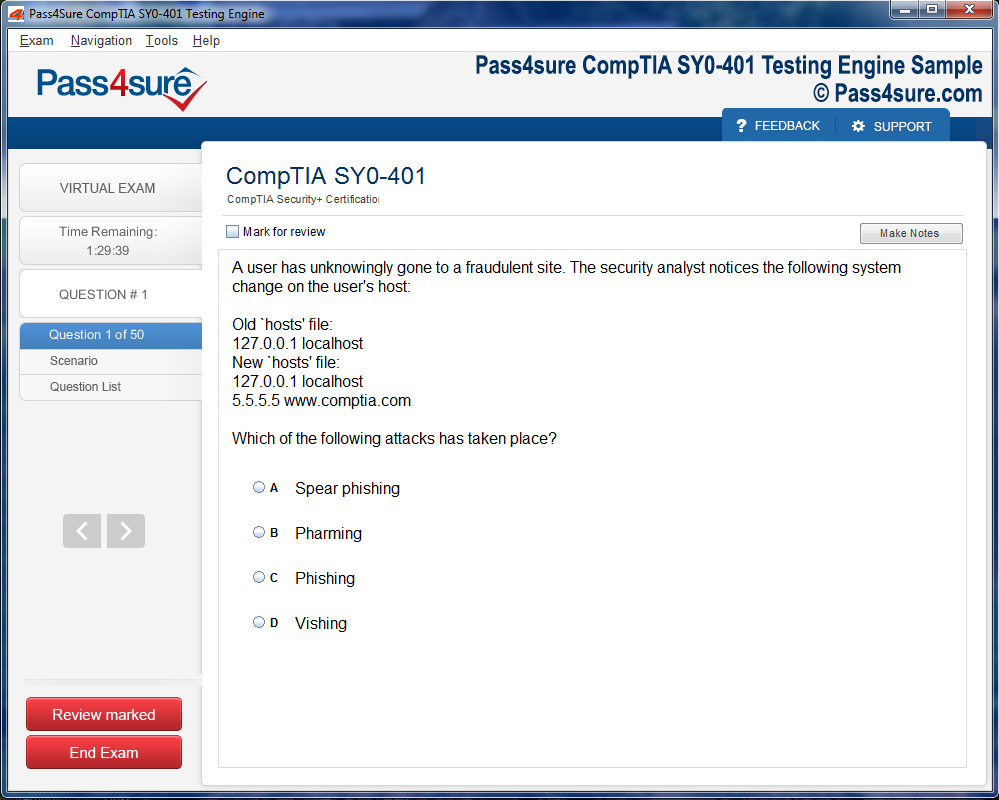
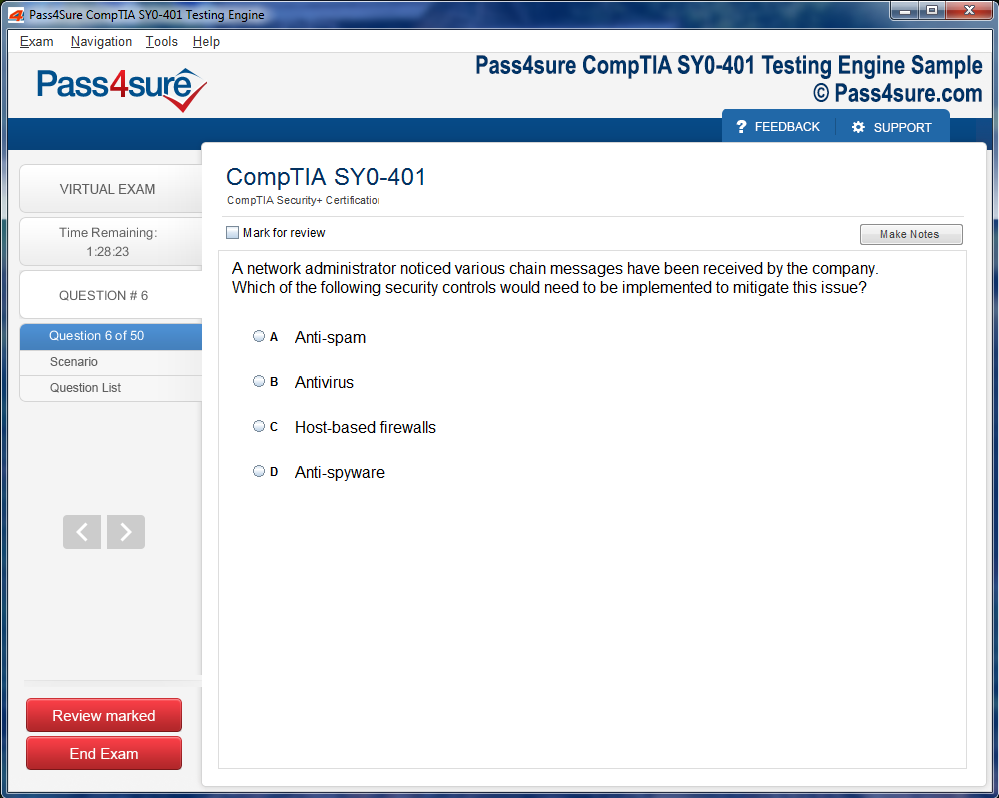
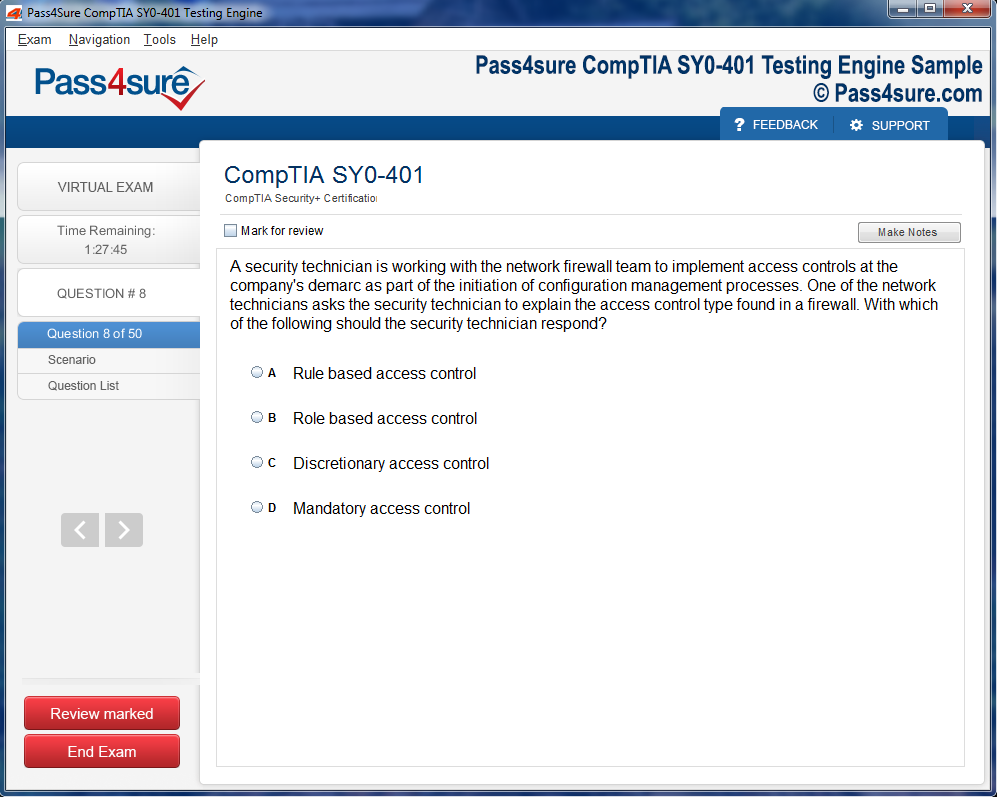
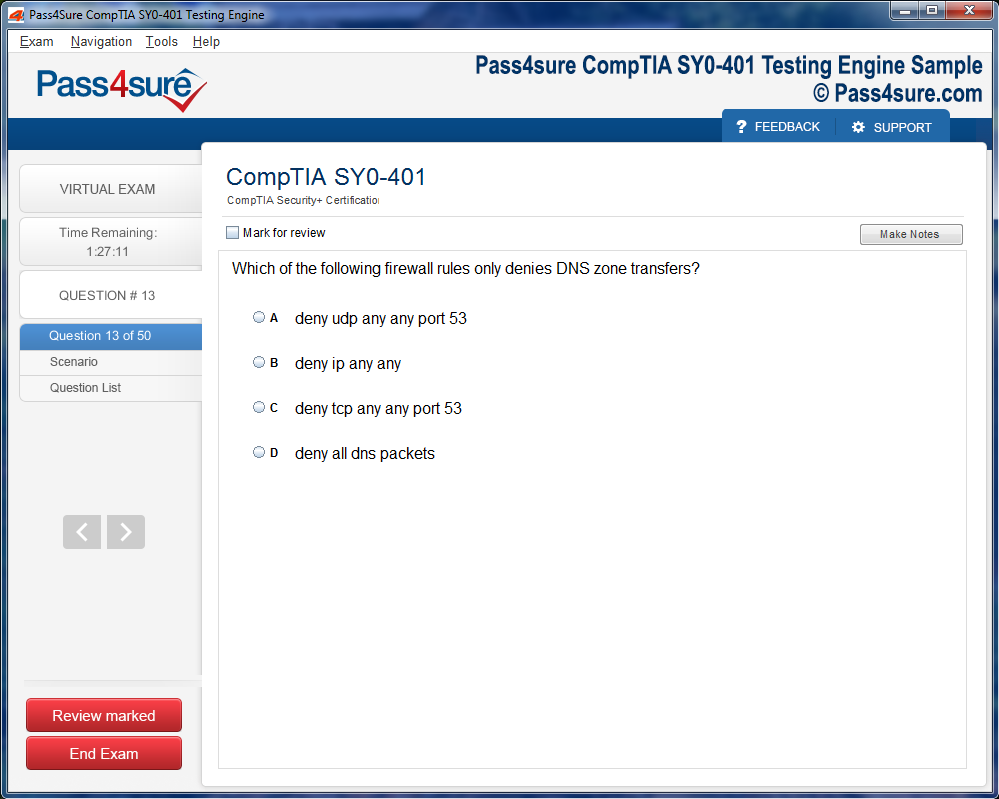
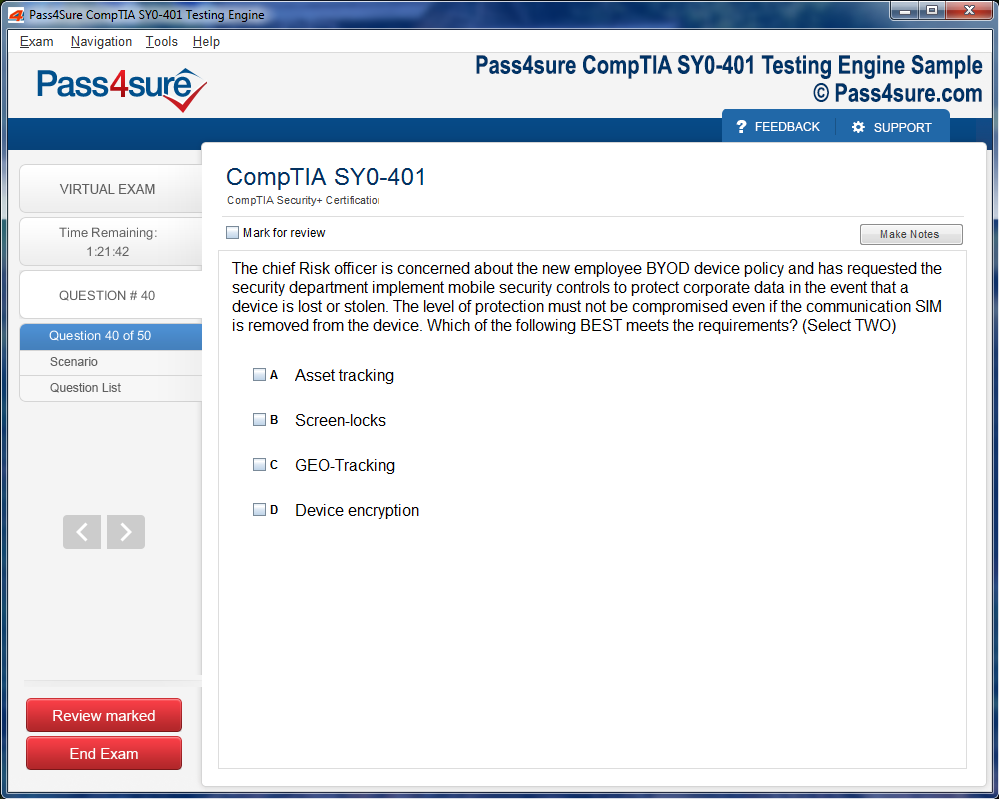
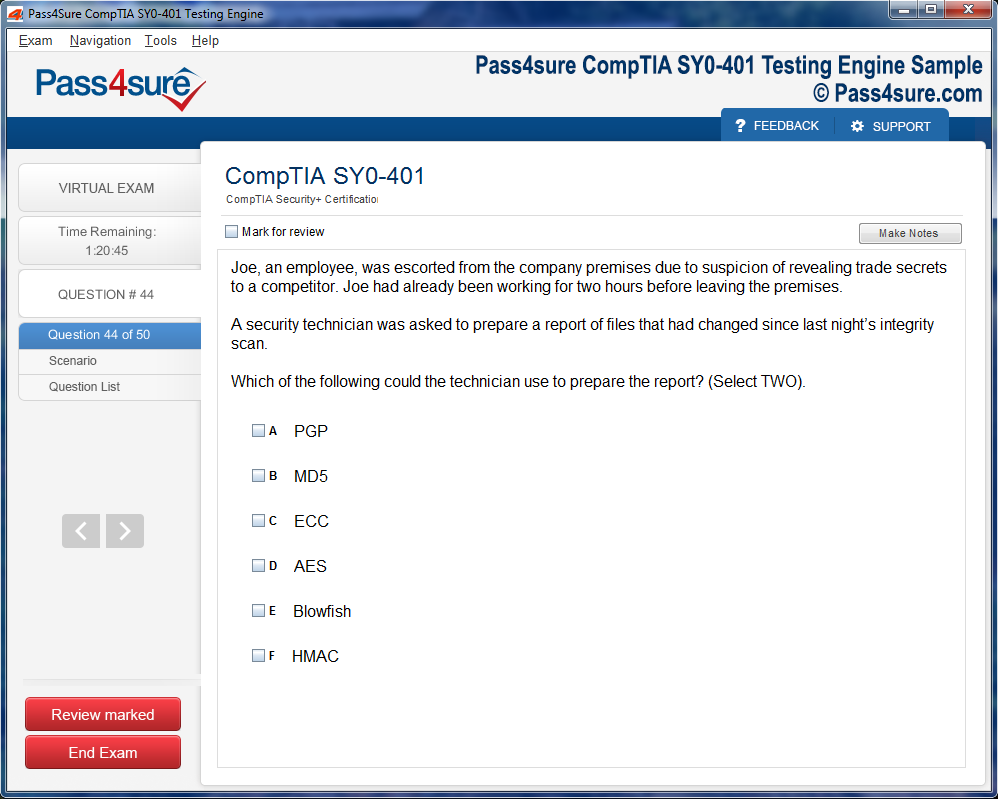
Product Screenshots
Frequently Asked Questions
How does your testing engine works?
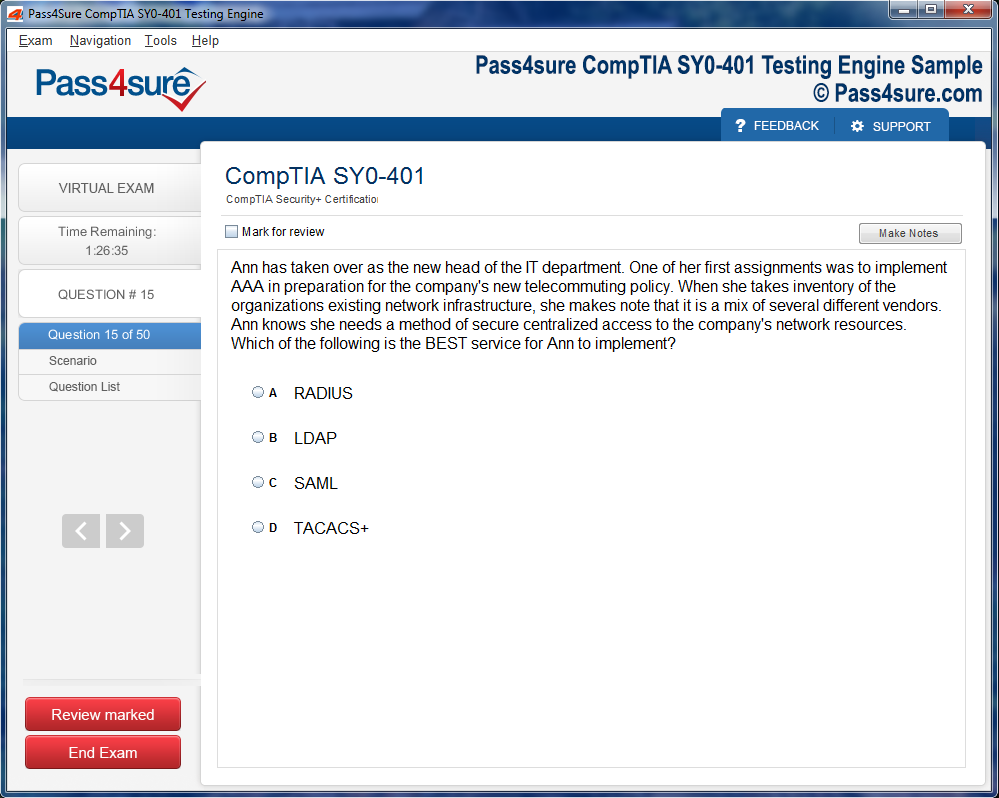
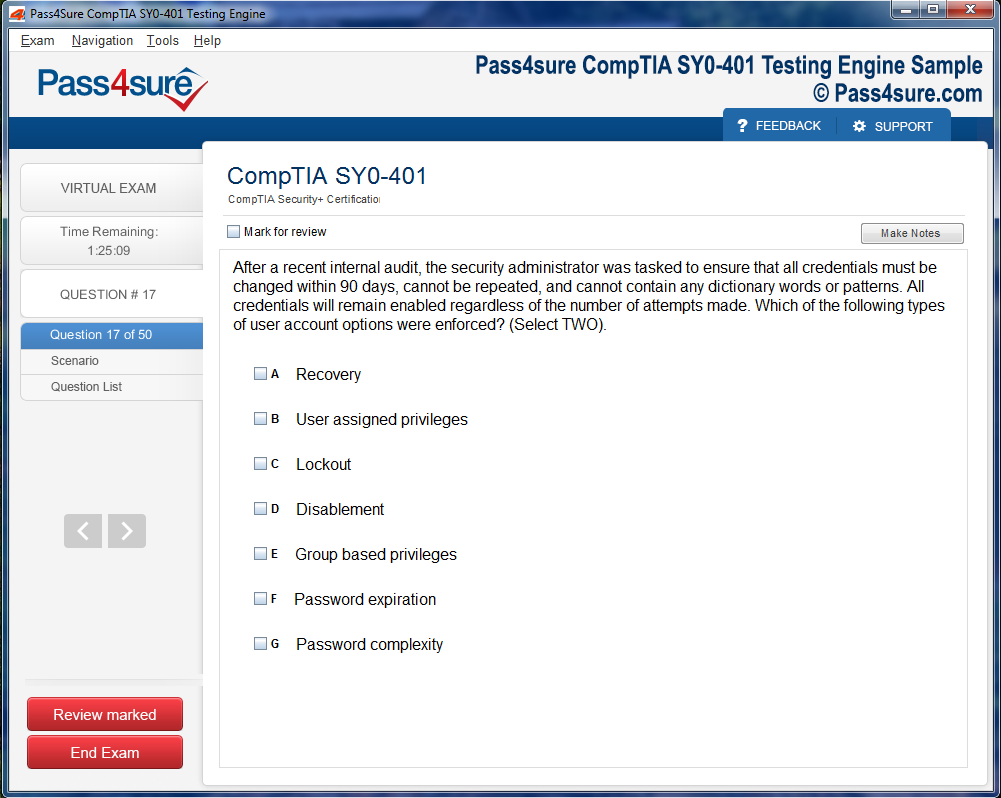
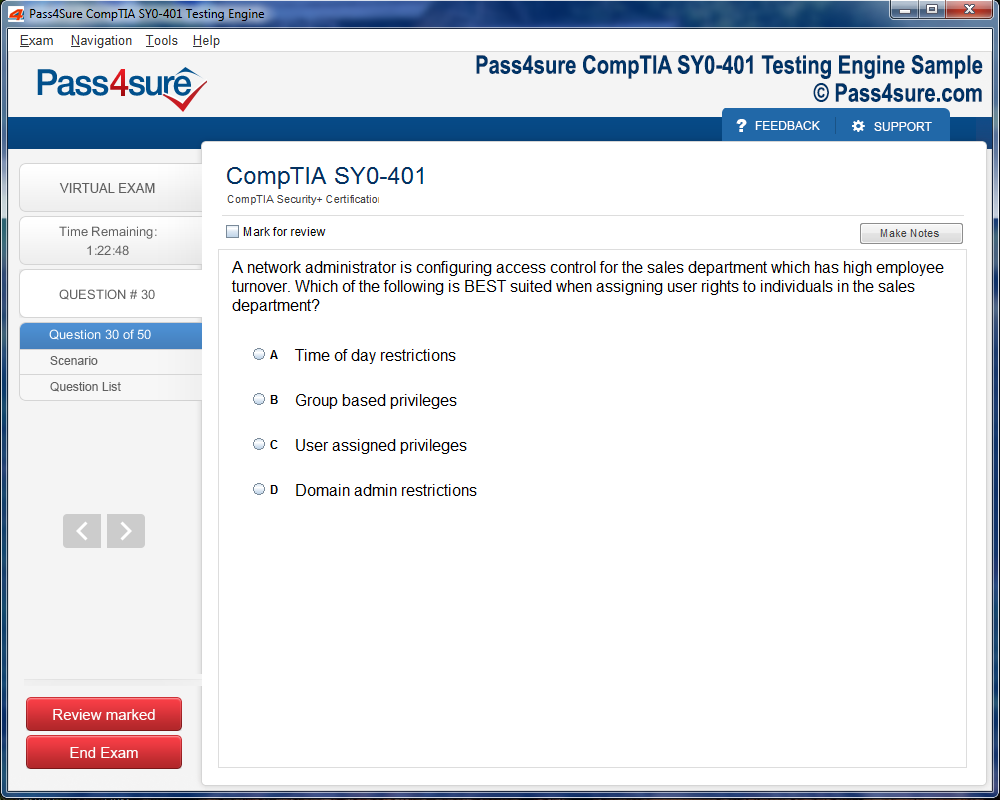
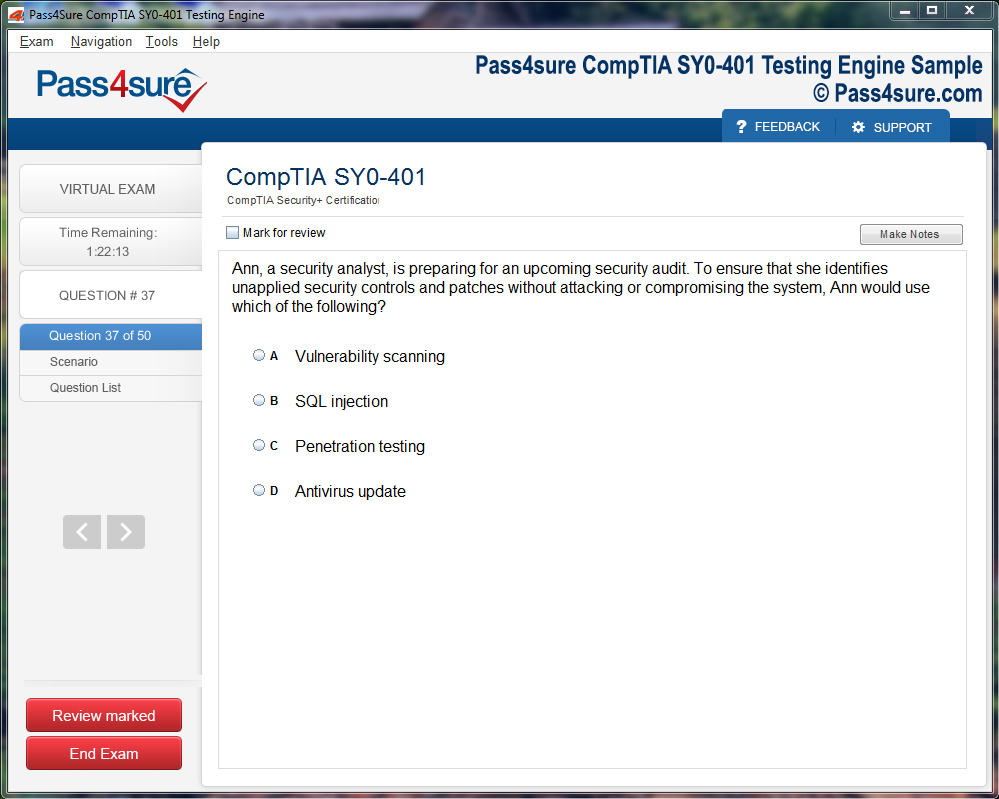
Once download and installed on your PC, you can practise test questions, review your questions & answers using two different options 'practice exam' and 'virtual exam'. Virtual Exam - test yourself with exam questions with a time limit, as if you are taking exams in the Prometric or VUE testing centre. Practice exam - review exam questions one by one, see correct answers and explanations.
How can I get the products after purchase?
All products are available for download immediately from your Member's Area. Once you have made the payment, you will be transferred to Member's Area where you can login and download the products you have purchased to your computer.
How long can I use my product? Will it be valid forever?
Pass4sure products have a validity of 90 days from the date of purchase. This means that any updates to the products, including but not limited to new questions, or updates and changes by our editing team, will be automatically downloaded on to computer to make sure that you get latest exam prep materials during those 90 days.
Can I renew my product if when it's expired?
Yes, when the 90 days of your product validity are over, you have the option of renewing your expired products with a 30% discount. This can be done in your Member's Area.
Please note that you will not be able to use the product after it has expired if you don't renew it.
How often are the questions updated?
We always try to provide the latest pool of questions, Updates in the questions depend on the changes in actual pool of questions by different vendors. As soon as we know about the change in the exam question pool we try our best to update the products as fast as possible.
How many computers I can download Pass4sure software on?
You can download the Pass4sure products on the maximum number of 2 (two) computers or devices. If you need to use the software on more than two machines, you can purchase this option separately. Please email sales@pass4sure.com if you need to use more than 5 (five) computers.
What are the system requirements?
Minimum System Requirements:
- Windows XP or newer operating system
- Java Version 8 or newer
- 1+ GHz processor
- 1 GB Ram
- 50 MB available hard disk typically (products may vary)
What operating systems are supported by your Testing Engine software?
Our testing engine is supported by Windows. Andriod and IOS software is currently under development.
Achieving Microsoft 77-884 Certification Step by Step
Embarking on the Microsoft 77-884 certification requires more than mere familiarity with Office tools; it demands a methodical and strategic approach to learning. The labyrinthine nature of the exam necessitates deliberate planning, wherein every session of study is purposeful, targeted, and immersive.
A highly effective strategy begins with diagnostic assessment. Prospective candidates should evaluate their current proficiency in each Microsoft application, identifying strengths and pinpointing areas requiring intensive focus. This self-awareness enables prioritization and prevents the squandering of valuable study time. For instance, an individual adept at Word but less experienced in Excel can allocate disproportionate attention to formulas, pivot tables, and data visualization techniques.
Time management emerges as a cardinal pillar of exam preparation. Segmenting study hours into concentrated intervals, interspersed with reflective pauses, cultivates deep learning. Techniques such as the Pomodoro method, wherein focused study bursts are punctuated by restorative breaks, can significantly enhance retention while mitigating cognitive fatigue. Complementary to this, integrating micro-projects—such as drafting complex reports in Word or constructing financial models in Excel—reinforces theoretical knowledge through practical execution.
Another salient aspect involves leveraging scenario-based learning. Microsoft 77-884 does not solely assess procedural proficiency; it examines the capacity to apply skills contextually. Engaging with case studies, simulated workflows, or hypothetical project tasks allows aspirants to internalize the interconnectivity of applications. Understanding how Outlook integrates with Excel for data management or how PowerPoint visualizations can be dynamically linked to live data exemplifies the type of holistic comprehension the exam favors.
Supplementary resources play a pivotal role in augmenting traditional study. Interactive tutorials, video demonstrations, and specialized workshops provide multisensory reinforcement, catering to diverse learning styles. Moreover, engaging in peer study groups or online forums fosters collaborative problem-solving, exposure to unconventional techniques, and the exchange of nuanced insights, thereby enhancing cognitive flexibility.
Equally imperative is cultivating mental resilience. The rigors of certification can provoke anxiety, but candidates who employ mindfulness strategies, such as focused breathing, visualization of successful task completion, and reflective journaling, often exhibit heightened focus, reduced test-related stress, and improved recall during high-stakes evaluations.
In essence, a strategic study approach to Microsoft 77-884 certification combines diagnostic precision, deliberate practice, scenario-based application, and cognitive resilience. Those who harmonize these elements construct a robust foundation, transforming the formidable challenge of certification into a navigable, even exhilarating, journey.
Planning Your Study Strategy
Effective preparation for Microsoft 77-884 certification begins with a meticulous blueprint, one that transforms chaotic study into a structured progression. The initial step involves a candid assessment of personal proficiency across the Microsoft Office suite. This reflective exercise allows candidates to identify latent strengths and unearth areas requiring intensified focus. Recognizing these nuances ensures that study efforts are channeled efficiently, preventing aimless hours spent on already mastered concepts.
Mapping out a study schedule is more than penciling in arbitrary hours. It demands an orchestration of cognitive energy and peak performance intervals. For instance, the morning hours, often characterized by heightened alertness, can be devoted to Excel’s complex formulas and data manipulations. In contrast, afternoons may lend themselves more naturally to Word’s stylistic customizations or PowerPoint’s visual narrative construction. Even brief, concentrated study bursts, if executed consistently, accumulate into substantial command over weeks, crafting an expertise that feels intuitive rather than forced.
The curation of study materials is equally paramount. Official Microsoft documentation forms the bedrock, offering authoritative explanations and practical exemplars of each function. Complementary resources, including interactive tutorials, problem-solving exercises, and instructional videos, enrich understanding by presenting applications in varied contexts. For candidates encountering ambiguous concepts, community forums and collaborative learning platforms serve as invaluable adjuncts, offering alternative methodologies and troubleshooting strategies that broaden cognitive flexibility.
Practice, however, remains the sine qua non of mastery. Mere reading or passive observation seldom translates into exam readiness. Candidates are encouraged to engage in deliberate simulation of office tasks, adhering to time constraints that mirror the pressure of the examination. Whether constructing multifaceted spreadsheets, orchestrating layered presentations, or streamlining communications within Outlook, repetitive engagement engrains procedural fluency and bolsters confidence. The familiarity acquired through such rehearsal diminishes cognitive friction, allowing the mind to navigate challenges with agility on test day.
Equally vital is the judicious allocation of rest and review intervals. The brain consolidates new knowledge most effectively when study is interspersed with recuperative pauses, allowing neural networks to stabilize and solidify newly acquired skills. Integrating brief breaks, spaced repetition, and cyclical revisions enhances memory retention, ensuring that learned concepts are readily retrievable when confronted with exam questions. Planning, therefore, transcends mere scheduling of content; it encompasses a rhythm of exertion and recovery that sustains mental acuity over prolonged preparation periods.
Motivation, often an underappreciated dimension of study strategy, demands intentional cultivation. Tracking progress through detailed logs of completed modules, identifying persistent areas of struggle, and celebrating incremental achievements fosters a sense of forward momentum. Such deliberate acknowledgment of advancement transforms the study journey into a rewarding endeavor rather than a burdensome obligation, reinforcing perseverance and instilling confidence. This psychological scaffolding, coupled with systematic practice, fortifies candidates against the fatigue and self-doubt that frequently accompany intensive exam preparation.
Finally, an effective strategy acknowledges the dynamic nature of learning. Adaptability is essential: schedules may require recalibration in response to evolving comprehension, unforeseen challenges, or shifts in personal energy patterns. A study plan that is rigidly imposed risks stifling productivity, whereas one that accommodates iterative adjustments ensures that preparation remains both rigorous and sustainable. Candidates who embrace this blend of structure and flexibility position themselves to navigate the breadth of Microsoft Office competencies with dexterity, ultimately translating preparation into measurable success on the 77-884 certification.
Navigating Word’s Interface and Ribbon
Microsoft Word’s interface is an intricate tapestry of functionalities, designed to balance accessibility with profundity. Familiarity with the ribbon and contextual tabs is paramount. Ribbon groups like Home, Insert, Layout, References, and Review each harbor specialized tools that underpin document excellence. Candidates must understand not only the location of commands but the subtleties of their interplay, ensuring that formatting, styling, and document construction proceed seamlessly.
Contextual ribbons appear dynamically based on selected content. For example, selecting an image reveals the Picture Tools tab, which provides adjustments for cropping, effects, and positioning. Similarly, table selection unveils Table Tools, unlocking advanced layout and design features. Awareness of these ephemeral tools separates proficient users from novices.
Customizing the ribbon and Quick Access Toolbar allows users to tailor the interface, minimizing repetitive navigation. Adding frequently used commands or macros streamlines workflow, exemplifying a deeper command over the software that often impresses evaluators and enhances practical efficiency.
Advanced Document Structuring
A cornerstone of Word mastery lies in advanced document structuring. Paragraph and character styles are essential for consistency, particularly in documents exceeding ten or twenty pages. Utilizing prebuilt styles or crafting bespoke styles ensures that headings, subheadings, body text, and captions maintain visual coherence. This level of organization is indispensable in professional reports, academic manuscripts, and business proposals.
Section breaks provide another layer of sophistication. Their judicious application allows differing page orientations, column layouts, or header/footer configurations within a single document. Candidates must recognize when to employ continuous, next-page, even-page, or odd-page breaks to maintain logical segmentation and aesthetic balance.
Headers, footers, and page numbering amplify document professionalism. Incorporating dynamic fields—such as document title, author, or chapter number—within these elements creates a responsive document that adapts automatically to content changes. This automation reduces manual error and elevates overall presentation.
Integration of Visual Elements
Enhancing text with visual elements elevates Word documents from mundane to compelling. Tables, charts, and SmartArt diagrams transform raw data into comprehensible narratives. Effective integration requires not just insertion but careful adjustment of alignment, size, and formatting. Poorly formatted visuals disrupt readability; mastery lies in harmonious alignment with textual elements.
Charts require nuanced understanding. Selecting appropriate chart types—bar, line, pie, or scatter—conveys information with precision. Embedding charts linked to Excel datasets ensures that updates propagate dynamically, reflecting real-world practices where data fluidity is crucial. SmartArt adds narrative clarity, allowing hierarchical or process-based information to be visualized elegantly.
Images and graphics further enrich documents. Candidates must navigate wrapping styles, layer positioning, and transparency to integrate visuals without overpowering text. Additionally, utilizing captions and cross-references ensures that visual elements remain connected to the broader narrative, a practice particularly valued in professional documentation.
Mail Merge and Automation
Automation within Word is a potent competency. Mail merge, a signature feature, exemplifies efficiency in producing mass communications without sacrificing personalization. Candidates should master connecting Word documents to Excel or Access data sources, mapping fields, and previewing results to prevent errors. Automated letters, labels, and envelopes exemplify real-world business applications.
Macros extend automation further, allowing repetitive sequences to be recorded and replayed. Candidates capable of constructing simple macros or modifying existing ones demonstrate not only technical aptitude but strategic thinking in workflow optimization. Combined with Quick Parts and building blocks, these tools form a repertoire that significantly reduces manual effort.
Collaboration and Review
Modern document workflows are rarely solitary. Word’s collaboration tools simulate real-world office environments where multiple contributors revise a single document. Tracking changes provides transparency, allowing authors to approve or reject modifications without losing original content. Comments facilitate dialogue among collaborators, ensuring that revisions align with objectives.
Cloud-based sharing via OneDrive or SharePoint exemplifies current professional practices. Candidates must understand permissions, version history, and real-time co-authoring. Familiarity with these features reflects a readiness for professional scenarios where accountability, transparency, and efficiency are paramount.
Keyboard Shortcuts and Productivity Techniques
Efficiency in Word often manifests through keyboard mastery. Shortcuts reduce reliance on ribbon navigation, expediting common tasks such as copy, paste, format painter, and text styling. Advanced combinations allow rapid navigation between document sections, formatting adjustments, and insertion of elements like page breaks or symbols.
Customization enhances productivity. By aligning the Quick Access Toolbar with individual workflow patterns, candidates can access frequently used commands with minimal effort. This personalized interface not only saves time but demonstrates a comprehensive grasp of Word’s latent potential.
Exam Preparation Strategies
Preparation for the 77-884 exam demands more than theoretical knowledge—it necessitates experiential practice. Candidates should simulate exam conditions by creating multifaceted documents that combine multiple styles, sections, visual elements, and automated components. This approach fosters fluency, enabling rapid, accurate responses to performance-based tasks.
Mock exercises should incorporate collaborative elements, simulating document reviews and revisions. Practicing mail merge, table creation, chart integration, and template application ensures that candidates internalize essential procedures. Over time, this iterative approach cultivates an intuitive understanding of Word’s nuances, translating directly into exam success.
Excelling in Microsoft Excel
Excel is often regarded as the quintessential analytical powerhouse within the Microsoft Office suite, demanding both precision and creative dexterity. Candidates preparing for the 77-884 certification encounter a labyrinthine ecosystem of data manipulation, calculation mastery, visualization, and automation. Success hinges not merely on familiarity but on an intimate comprehension of Excel’s operational mechanics and its logical architecture.
The foundational layer of Excel proficiency begins with adept navigation of worksheets and workbooks. Fluency in managing multiple sheets, structuring tabs, and leveraging navigation shortcuts significantly enhances efficiency. Candidates are expected to demonstrate nuanced organizational skills, such as categorizing data hierarchically or segmenting financial records to facilitate downstream analysis. This foundation underpins all subsequent operations, allowing complex formula construction and data evaluation to proceed seamlessly.
Formulas and functions constitute the cerebral heart of Excel expertise. A thorough grasp of arithmetic, statistical, financial, and logical functions is indispensable. Beyond mere application, understanding function interdependencies is critical. For instance, nesting IF statements within SUMPRODUCT functions or combining VLOOKUP with conditional formatting enables sophisticated data interrogation. Such composite operations exemplify analytical foresight and computational elegance. Practitioners must also cultivate an intuitive sense of efficiency, discerning when to deploy array formulas versus iterative calculations to optimize performance.
Data visualization represents both an art and a science within Excel. While charts and graphs are frequently associated with aesthetic embellishment, they primarily serve as conduits for insight translation. Pivot tables, for example, transform raw datasets into multidimensional narratives, allowing users to unearth correlations and trends that might otherwise remain obscured. Conditional formatting complements these visual mechanisms by highlighting anomalies, flagging thresholds, and emphasizing outliers in real time. Candidates excelling in this domain demonstrate not just technical skill but a capacity to interpret data contextually, conveying meaning through structured visual representation.
Automation, a critical yet frequently underexplored facet of Excel mastery, significantly mitigates repetitive strain and operational latency. Macros, the programmable sequences of commands, allow for recurring tasks to be executed with exacting precision. Similarly, data validation protocols prevent erroneous entries, maintaining the integrity of extensive datasets. Formula auditing tools, such as tracing precedents and evaluating calculation chains, afford a meticulous lens through which errors are identified and resolved. The 77-884 exam frequently evaluates candidates’ capacity to integrate these automated methodologies into dynamic workflows, reflecting a realistic business environment.
Error recognition and troubleshooting remain pivotal, often determining the boundary between competence and mastery. Misapplied formulas, circular references, and unintentional data overwrites can propagate cascading inaccuracies if left unchecked. An adept candidate not only identifies these errors but anticipates potential pitfalls in formula design, demonstrating preemptive analytical reasoning. Error-handling strategies, such as leveraging ISERROR or IFERROR constructs, exemplify both technical acumen and thoughtful planning. The examination evaluates not only the capacity to execute operations but also the conscientiousness with which data integrity is preserved.
Practical exercises are indispensable in consolidating theoretical knowledge. Scenario-based simulations, ranging from budgeting and financial forecasting to sales trend analysis, provide candidates with immersive environments in which skills are applied under realistic constraints. Timed exercises enhance cognitive agility, teaching practitioners to navigate complex datasets efficiently while maintaining rigorous attention to detail. Constructing sample dashboards, performing sensitivity analyses, and developing multi-tiered financial models cultivate the multidimensional expertise required for certification excellence.
Advanced topics further delineate expert practitioners from competent users. Techniques such as array formula utilization, advanced chart customization, dynamic named ranges, and structured references in tables elevate Excel engagement from routine operation to sophisticated manipulation. The integration of these elements into cohesive workflows reflects both strategic thinking and technical proficiency. Candidates who explore these dimensions cultivate an elevated fluency, enabling nuanced insights that transcend elementary spreadsheet functions.
Beyond the purely technical, Excel mastery entails cultivating an analytical mindset attuned to operational context. Candidates must interpret datasets not merely as numeric aggregates but as narratives conveying business intelligence. Decision-making predicated on Excel outputs demands both statistical rigor and contextual awareness. Consequently, the 77-884 exam indirectly assesses critical thinking, problem-solving, and strategic application, ensuring that proficiency encompasses both mechanical execution and evaluative discernment.
Efficiency optimization remains a subtle but vital competency. Proficient candidates deploy shortcuts, leverage dynamic referencing, and anticipate dependencies, ensuring that operations remain both accurate and scalable. Techniques such as relative versus absolute referencing, formula propagation across ranges, and dynamic chart updating reflect an operational sophistication that distinguishes expert users. The examination scenario frequently incorporates time constraints and voluminous datasets, emphasizing the importance of speed without sacrificing accuracy.
In exploring Excel’s expansive toolkit, candidates also encounter collaboration and interoperability challenges. Sharing workbooks, utilizing protection features, and integrating Excel with other Office applications require a nuanced understanding of compatibility, versioning, and cross-platform data integrity. Proficiency in these domains ensures that Excel outputs remain robust and actionable, supporting organizational processes with reliability. Such skills, while peripheral in elementary instruction, are critical in professional contexts and receive implicit emphasis in certification preparation.
The cognitive dimension of Excel expertise encompasses pattern recognition, procedural memory, and strategic sequencing. Candidates adept in recognizing recurring data structures or anticipating function interactions navigate complex spreadsheets with enhanced fluency. This metacognitive capability accelerates problem-solving and fosters an intuitive operational rhythm, essential for high-stakes certification performance. The examination, therefore, evaluates both procedural knowledge and higher-order analytical acuity, rewarding those who synthesize mechanical skill with conceptual insight.
Dynamic problem-solving scenarios constitute the most demanding element of certification preparation. Candidates may encounter datasets requiring multi-step transformations, intricate formula logic, or multi-layered pivot table arrangements. Success in these scenarios is contingent on systematic deconstruction, strategic planning, and iterative verification. The capacity to integrate these cognitive strategies under time constraints exemplifies not only Excel proficiency but also operational resilience, a trait of paramount importance in professional environments.
Furthermore, Excel’s evolution introduces continual learning imperatives. Candidates benefit from staying abreast of feature updates, emerging analytical techniques, and innovative visualization methodologies. This adaptability ensures sustained relevance and competency, extending beyond the temporal scope of certification. Engaging with advanced functions, exploring novel chart types, and experimenting with automation constructs fosters a growth-oriented mastery ethos, aligning technical skill with lifelong analytical development.
In summation, excelling in Microsoft Excel for the 77-884 certification demands a synthesis of technical skill, analytical insight, and strategic cognition. Mastery encompasses accurate formula construction, sophisticated visualization, robust automation, and meticulous error management, all integrated within a framework of operational efficiency and critical interpretation. Candidates who internalize these dimensions, practicing through immersive simulations and advanced problem-solving, cultivate an enduring expertise that transcends the examination context and equips them for professional excellence.
PowerPoint: Crafting Captivating Visual Narratives
In the realm of digital storytelling, PowerPoint is far more than a mere slide generator; it is a canvas for orchestrating immersive visual narratives. Candidates striving for 77-884 certification must cultivate an acute understanding of design harmonics—balancing typography, color theory, and spatial composition. Slide layouts are the skeletal framework, yet it is the nuanced layering of images, infographics, and multimedia elements that animates the story.
Proficiency entails judicious use of transitions and animations to punctuate ideas without inducing cognitive fatigue. Scenario-based exercises may demand the synthesis of complex datasets into digestible charts or graphs. The aspirant must anticipate the audience’s interpretive journey, ensuring each slide flows logically while maintaining aesthetic coherence. Embedding multimedia, such as audio or video snippets, elevates engagement and reinforces conceptual retention.
Practical drills for mastery include converting raw data from Excel into compelling visuals, juxtaposing qualitative insights with quantitative analysis. This approach cultivates a duality of analytical rigor and creative expressiveness, hallmark traits of a consummate PowerPoint practitioner.
Outlook: Orchestrating Communication and Temporal Fluency
Outlook serves as the cerebral hub for professional correspondence, scheduling, and task orchestration. Mastery transcends sending emails; it involves cultivating temporal fluency, meticulous organization, and anticipatory management of workflows. Calendars must be synchronized with precision, appointments nested into coherent sequences, and deadlines meticulously tracked through task lists.
Advanced candidates exploit rules, filters, and automated responses to streamline communication streams, mitigating informational bottlenecks. Contact management requires a hierarchical yet accessible schema, enabling rapid retrieval and contextual awareness of interpersonal networks. Scenario-driven exercises often challenge aspirants to coordinate multi-stakeholder meetings, factoring in time zones, recurring events, and priority stratifications.
Integration of Outlook with other Office applications further amplifies efficacy. Linking Excel project timelines to calendar reminders or embedding Access reports in email correspondences simulates authentic operational contexts. Consistent practice in these integrations fosters anticipatory thinking, ensuring the candidate navigates real-world office dynamics with agility.
Access: Commanding Relational Data Ecosystems
Access epitomizes the synthesis of structured data management and analytical precision. Certification candidates must traverse the architecture of relational databases—constructing tables, establishing relationships, and orchestrating queries that extract meaningful insights. Proficiency in forms and reports extends beyond functionality; it embodies the capability to transform raw datasets into intelligible, actionable outputs.
Query design is a crucible of analytical thought, demanding comprehension of criteria, joins, and logical operators. Candidates often encounter scenario-based exercises requiring aggregation, filtration, and synthesis of interrelated tables. Generating reports that elucidate trends or anomalies underscores both technical acumen and cognitive dexterity.
Interoperability amplifies Access’s utility. Exporting query results to Excel for advanced calculations, embedding datasets into PowerPoint presentations, or attaching report outputs to Outlook emails cultivates a versatile, cross-application skill set. Such exercises simulate dynamic workplace challenges, preparing aspirants for the integrated problem-solving tasks intrinsic to the 77-884 certification.
Synergizing Applications: The Power of Integration
True mastery emerges when candidates transcend siloed proficiency, embracing the symbiotic potential of Office applications. Exporting Excel datasets to PowerPoint slides for narrative visualization, embedding Access reports within Outlook emails for stakeholder dissemination, or linking Outlook calendars to project milestones fosters operational cohesion.
This integrated approach mirrors workplace realities where isolated skills falter; the ability to fluidly navigate multiple applications is paramount. Scenario-based simulations often test this orchestration, challenging candidates to manipulate interdependent data streams, maintain visual clarity, and uphold professional standards concurrently.
Practical Drills for Certification Readiness
Hands-on practice is the bedrock of competency. Timed exercises cultivate both technical speed and accuracy, reflecting the performance-based nature of the certification. Aspirants should engage in comprehensive drills: designing intricate PowerPoint presentations that incorporate embedded Excel charts, orchestrating Outlook calendars for multi-faceted projects, and generating Access queries that inform decision-making processes.
Error troubleshooting is equally instructive. Navigating broken links between applications, resolving formula discrepancies, or correcting formatting inconsistencies instills resilience and problem-solving acumen. Such experiential learning ensures the candidate is not only technically adept but also adaptable and solution-oriented.
Enhancing Cognitive Fluency Through Scenario-Based Learning
Scenario-based learning simulates authentic operational challenges, cultivating cognitive fluency and strategic thinking. For example, candidates might be tasked with preparing a corporate quarterly report: importing financial data from Excel into Access, generating analytical insights, and crafting a visually compelling PowerPoint for executive presentation. Outlook’s calendar and task features synchronize team contributions, deadlines, and review cycles.
By engaging with integrated scenarios, aspirants internalize the interplay of software functionalities, reinforcing procedural knowledge and fostering intuitive decision-making. This method also enhances recall under exam conditions, reducing cognitive load and optimizing performance.
Advanced Techniques: Beyond Basic Proficiency
For aspirants aiming to distinguish themselves, advanced techniques in PowerPoint, Outlook, and Access offer a competitive edge. In PowerPoint, mastery of custom slide masters, motion paths, and layered animation sequences can transform presentations into persuasive narratives. Outlook expertise extends to leveraging conditional formatting, shared mailboxes, and workflow automation. Access proficiency encompasses complex joins, parameterized queries, and form-driven data entry interfaces.
Exploring these advanced functionalities nurtures a mindset of operational sophistication. Candidates learn not merely to execute tasks but to anticipate, design, and optimize workflows—a skill set that transcends the certification itself and carries tangible professional dividends.
Developing a Holistic Certification Strategy
Success in 77-884 certification hinges on a holistic strategy that blends foundational competence with advanced integration skills. Structured study plans should allocate time across all three applications, ensuring balanced proficiency. Candidates benefit from iterative learning cycles: initial skill acquisition, scenario application, error analysis, and skill refinement.
Complementary strategies include peer collaboration, simulated exams, and self-assessment against real-world use cases. These practices cultivate both confidence and dexterity, ensuring readiness for performance-based testing scenarios. Mastery of PowerPoint, Outlook, and Access is not merely procedural; it is the cultivation of an agile, versatile, and analytically capable professional mindset.
Strategic Familiarization with Exam Format
Immersing oneself in the idiosyncratic architecture of the Microsoft 77-884 exam is an essential preliminary maneuver. The multifaceted layout, combining theoretical knowledge and practical tasks, demands a lucid comprehension of its structural anatomy. Candidates benefit from scrutinizing the distribution of question types, the weighting of performance-based simulations, and the cognitive demands each segment imposes. This preemptive familiarity mitigates the cognitive dissonance that often arises during real-time assessment, providing a scaffold upon which methodical problem-solving can flourish.
Practice tests, meticulously crafted to mirror the authentic exam, serve as a crucible for this immersion. They expose subtle nuances in command sequences and function hierarchies that are easily overlooked in casual study. By repeatedly engaging with these mock simulations, aspirants cultivate an intuitive recognition of question patterns, enabling a seamless transition from theoretical knowledge to pragmatic application.
Precision Time Allocation
Temporal orchestration constitutes a subtle but formidable determinant of exam success. Candidates frequently succumb to the temptation of disproportionate time investment in ostensibly complex scenarios, inadvertently truncating time for more accessible queries. A methodical segmentation of time—allocating fractions to knowledge-based questions, scenario simulations, and unstructured tasks—ensures comprehensive coverage.
Employing a triage strategy, wherein tasks are categorized by familiarity and potential difficulty, enhances efficiency. High-confidence sections can be expedited, preserving cognitive bandwidth for intricate performance exercises. This temporal calculus is further refined through iterative practice, calibrating one’s internal chronometer to align with the exigencies of the exam.
Cognitive Fortification through Stress Mitigation
The interstice between preparation and execution is often punctuated by anticipatory anxiety. Harnessing stress as a catalyzing rather than debilitating force is crucial. Techniques rooted in psychophysiological regulation, including diaphragmatic breathing, progressive muscle relaxation, and guided visualization, bolster focus while attenuating neurotic agitation.
Mindfulness practices, emphasizing the deliberate anchoring of attention to present tasks, enhance cognitive lucidity. These exercises diminish the susceptibility to intrusive doubts or self-sabotaging conjectures, fostering an optimal mental milieu for complex problem-solving. A regimented pre-exam sleep protocol synergistically complements these strategies, ensuring that synaptic plasticity and memory consolidation operate at peak efficiency.
Leveraging Collaborative Knowledge Networks
Beyond solitary preparation, the edifice of understanding is often reinforced through engagement with communal intellect. Online forums, study cohorts, and professional discussion boards offer fertile ground for exchanging insights on nuanced functionalities and atypical problem-solving approaches.
Peer-to-peer discourse not only elucidates obscure commands but also unveils alternative methodologies for tackling challenging scenarios. Documenting collective wisdom and synthesizing divergent perspectives fosters adaptive cognitive strategies, empowering candidates to approach tasks with versatility rather than rote recitation.
Methodical Review and Error Correction
Meticulous review mechanisms solidify retention and preempt recurrence of prior mistakes. Candidates should maintain a detailed log of errors encountered in practice assessments, annotating both the nature of the misstep and the corrective pathway.
Analytical reflection on these entries cultivates meta-cognitive awareness, enabling candidates to recognize error patterns, anticipate pitfalls, and implement corrective strategies proactively. Iterative engagement with these logs ensures that once-opaque procedures crystallize into habitual competence.
Positive Mindset Cultivation
The psychological landscape of exam preparation exerts a profound influence on performance outcomes. Confidence, meticulously nurtured through consistent practice and verified comprehension, transforms apprehension into purposeful focus. Affirmative self-dialogue, goal visualization, and incremental milestone recognition reinforce an aspirant’s belief in their own capabilities.
This internal scaffolding of assurance operates synergistically with technical proficiency, producing a harmonious equilibrium between competence and composure. Candidates who embody this duality navigate the exam with poise, translating preparation into tangible performance metrics.
Integration of Practical Proficiency
A hallmark of success in the Microsoft 77-884 examination is the seamless integration of practical proficiency with theoretical insight. Routine engagement with complex scenarios, formula manipulation, and data analysis simulations ensures that knowledge is not merely abstract but operationally functional.
Candidates are encouraged to simulate real-world applications, creating data environments reflective of professional contexts. This praxis cultivates agility, allowing for adaptive responses when confronted with unconventional or multi-layered tasks. Proficiency, in this sense, transcends memorization, embodying an anticipatory and versatile command over the Microsoft Excel ecosystem.
Advanced Cognitive Techniques for Retention
Sophisticated retention strategies augment conventional study methods. Techniques such as interleaved practice, spaced repetition, and elaborative interrogation maximize the durability of learned material. Interleaving fosters cognitive flexibility by alternating between disparate topics, preventing stagnation and promoting adaptive recall.
Spaced repetition exploits the temporal dynamics of memory consolidation, strategically reinforcing knowledge at optimally spaced intervals. Elaborative interrogation, whereby candidates actively interrogate the rationale behind each function or procedure, embeds comprehension more deeply than passive review. These methodologies coalesce to produce robust, long-term retention that withstands the pressures of timed examination.
Strategic Simulation of Exam Conditions
Simulating authentic examination conditions sharpens both efficiency and composure. Candidates should replicate temporal constraints, minimize environmental distractions, and adhere strictly to the prescribed procedural flow.
This controlled rehearsal cultivates resilience against unforeseen cognitive stressors, normalizing the physiological and psychological responses associated with exam performance. By habituating to this milieu, candidates transition from reactive to proactive task engagement, enhancing accuracy and execution speed.
Iterative Refinement of Knowledge
Finally, preparation is iterative rather than static. Continuous refinement, informed by practice performance and reflective analysis, fosters an evolving mastery. This cyclical process—practice, assessment, review, and adjustment—ensures that knowledge remains both current and applicable, preventing obsolescence of skills prior to the examination.
Candidates who embrace this iterative methodology cultivate not only mastery over the technical dimensions of Microsoft Excel but also an adaptive intelligence, capable of navigating unforeseen complexities with dexterity.
Mastering Microsoft Word and Excel Skills
Achieving proficiency in Microsoft Word and Excel is central to the 77-884 certification. These applications, while ubiquitous, harbor intricate functionalities that often elude superficial users. Mastery involves transcending routine tasks and embracing advanced features, thereby converting everyday operations into precise, efficient workflows.
Word serves not merely as a text editor but as a robust instrument for structured communication. Aspiring professionals should immerse themselves in complex formatting techniques, such as multilevel lists, cross-references, and dynamic table of contents creation. Mastery of styles and themes ensures consistency across documents, enhancing both aesthetic appeal and professional credibility. Furthermore, learning to employ section breaks, headers, footers, and linked content elevates documents from rudimentary to sophisticated, demonstrating a nuanced command of structural design.
Tables in Word, often underestimated, present a potent tool for organizing and presenting information. Candidates should practice converting text to tables, applying formulas within cells, and embedding charts to reinforce analytical communication. Integration with Excel, whereby live data can be embedded or linked, exemplifies the kind of cross-application dexterity that the 77-884 exam evaluates.
Equally critical is the ability to automate repetitive tasks. Utilizing macros, quick parts, and content controls not only streamlines document preparation but also showcases a candidate’s capacity for workflow optimization. Embedding references, footnotes, and citations in a seamless manner ensures documents meet scholarly and professional standards while demonstrating meticulous attention to detail.
Excel, in contrast, requires an analytical mindset. Beyond basic spreadsheet creation, candidates must demonstrate fluency in formulas, conditional formatting, and data validation. Mastery of functions such as VLOOKUP, HLOOKUP, INDEX, MATCH, and IF statements is indispensable, as these tools form the backbone of complex data manipulation. Understanding the interrelation of these functions, and being able to nest them effectively, is a distinguishing marker of advanced competency.
PivotTables represent a cornerstone of Excel expertise. They empower users to summarize voluminous datasets dynamically, revealing patterns, trends, and anomalies with immediacy. Candidates should engage in hands-on exercises that encompass grouping, filtering, and calculating within PivotTables, ensuring they can transform raw data into actionable insights. Complementary to this, PivotCharts provide a visual narrative, enabling professionals to communicate findings succinctly and persuasively.
Data visualization in Excel extends beyond charts. Conditional formatting, sparklines, and data bars transform static numbers into interpretable, visually compelling narratives. A candidate adept at selecting the appropriate visualization for the underlying data demonstrates not only technical proficiency but also an intuitive grasp of information design—a skill highly valued in professional contexts.
Integration between Word and Excel further exemplifies holistic proficiency. Embedding live Excel charts into Word documents ensures that data updates propagate automatically, reflecting real-time changes. This capability underscores the candidate’s ability to construct interconnected workflows, a critical consideration in the 77-884 examination.
Elevating PowerPoint and Outlook Expertise
PowerPoint and Outlook are indispensable in the modern office ecosystem, each serving unique yet interrelated functions. PowerPoint demands a synthesis of visual design acumen and narrative clarity. Candidates should focus on advanced slide management, including master slides, layouts, and custom themes, ensuring presentations maintain consistency and visual cohesion.
Multimedia integration is another critical dimension. Embedding videos, animations, and interactive elements transforms presentations from static slides into immersive experiences. Candidates must also master transitions and timing, aligning content flow with spoken narration to enhance audience engagement. Hyperlinks, action buttons, and interactive menus further demonstrate sophisticated command over the software, which the 77-884 exam often evaluates.
Equally important is the strategic use of charts and diagrams within PowerPoint. Drawing upon Excel’s analytical capabilities, candidates should learn to incorporate dynamic charts that update automatically, creating presentations that are both visually compelling and data-accurate. SmartArt, tables, and shapes, when utilized judiciously, reinforce narrative clarity and professional polish.
Outlook, often underestimated, functions as the nexus of communication and organization. Beyond basic email management, candidates must demonstrate proficiency in calendar scheduling, task tracking, and contact organization. Advanced features such as rules, categories, and delegation streamline communication workflows, enhancing professional efficiency. Mastery of email templates, signatures, and automated replies not only saves time but also reinforces consistent professional standards.
Integration across Outlook and other Office applications amplifies productivity. For example, exporting Excel reports as attachments, linking Word documents in meeting invitations, or embedding PowerPoint slides into email communications exemplifies seamless interoperability. Candidates who exhibit fluency in these interconnected tasks demonstrate the practical acumen the certification seeks to validate.
Harnessing Access and Database Management
Microsoft Access introduces the dimension of relational database management, a skill increasingly vital in data-driven environments. Certification candidates must comprehend the structural foundations of Access, including tables, queries, forms, and reports. Understanding relational concepts, such as primary and foreign keys, normalization, and indexing, ensures efficient data organization and retrieval.
Practical exercises should involve creating tables with proper data types, establishing relationships, and enforcing referential integrity. Queries, particularly parameterized and action queries, enable dynamic data extraction and modification. Candidates should practice constructing complex queries that combine multiple tables, use aggregate functions, and apply conditional logic.
Forms and reports provide the interface and output layers of Access. Designing intuitive, aesthetically pleasing forms enhances data entry efficiency, while generating structured reports ensures that analytical findings are communicated effectively. Mastery of formatting, grouping, and summarization within reports highlights a candidate’s ability to translate raw data into actionable intelligence.
Integration with Excel further exemplifies the candidate’s adaptability. Importing and exporting datasets between Access and Excel enables comprehensive analysis, allowing for visualization and manipulation in Excel while maintaining the structured integrity of Access. This cross-application fluency is a hallmark of advanced proficiency sought by Microsoft 77-884 evaluators.
Exam Strategies and Cognitive Optimization
Possessing technical knowledge alone does not guarantee success in Microsoft 77-884 certification; strategic execution during the exam is equally vital. Time allocation is paramount. Candidates should prioritize performance-based tasks initially, as these often carry significant weight and can be addressed with practiced confidence. Multiple-choice and scenario-based questions can then be approached with analytical rigor.
Familiarity with exam interface and simulation tools is essential. Engaging with practice exams, timed exercises, and question banks fosters familiarity with navigation, question formats, and scoring methodologies. This exposure reduces cognitive load during the actual exam, mitigating anxiety and enhancing focus.
Metacognitive strategies further enhance performance. Candidates should cultivate reflective thinking, periodically assessing which approaches yield the highest accuracy and efficiency. Annotating questions, visualizing workflows, and verbalizing reasoning steps consolidate understanding and improve recall under pressure.
Stress management techniques cannot be overstated. Incorporating mindfulness, focused breathing, and brief cognitive breaks during preparation and on exam day ensures sustained attention and reduces the detrimental effects of anxiety. Adept candidates also employ contingency strategies, such as prioritizing easier tasks to build momentum, while reserving complex problems for concentrated attention periods.
Finally, post-practice review consolidates learning. Identifying recurring errors, analyzing incorrect responses, and iteratively refining techniques ensures that preparation evolves into mastery. This cyclical process of practice, reflection, and adjustment forms the cornerstone of successful certification attainment.
Planning Your Study Strategy
Effective preparation for Microsoft 77-884 certification begins with a meticulously crafted study blueprint, a framework that transforms the chaos of unstructured learning into a disciplined, targeted, and rewarding endeavor. Without a coherent strategy, candidates often flounder, overwhelmed by the sheer breadth of material and the intricacies embedded within each Microsoft Office application. A successful approach commences with a candid appraisal of personal strengths and weaknesses. This introspective audit allows candidates to allocate their energies where they are most needed, ensuring that study hours are maximized rather than squandered on already mastered competencies.
Understanding one’s proficiency is not merely a superficial exercise. It involves evaluating comfort with nuanced Excel formulas, intricate Word formatting, dynamic PowerPoint animations, and efficient Outlook management. The goal is to discern which areas demand meticulous attention and which can be reinforced with lighter review. Such self-awareness prevents the peril of misdirected effort and enables a targeted trajectory of learning that aligns with both cognitive strengths and potential vulnerabilities.
Structuring Time for Maximum Impact
Time management is the fulcrum of effective preparation. Crafting a study timetable demands more than the allocation of hours; it requires a symphonic orchestration of mental acuity, energy levels, and content complexity. Early mornings, when the mind is at its most alert, can be devoted to Excel, where logic, formulas, and data analysis require sustained concentration. Afternoon sessions, when cognitive fatigue may start to emerge, are better suited for Word, PowerPoint, or Outlook, where creative problem-solving, document aesthetics, and communication management predominate. Evening hours can accommodate light review, reinforcing concepts absorbed earlier while avoiding cognitive overload.
Short, focused sessions often outperform prolonged, indiscriminate study marathons. Known as microlearning, this technique emphasizes concentrated bursts of attention interspersed with deliberate rest, allowing the brain to encode information effectively. For example, a 45-minute deep-dive into conditional formatting in Excel followed by a 15-minute break ensures sustained focus while enhancing memory retention. The key is consistency—incremental progress, repeated systematically over weeks, culminates in mastery far exceeding sporadic, intensive cramming sessions.
Curating Quality Study Resources
No study strategy is complete without the careful curation of learning materials. Official Microsoft guides form the foundation, providing authoritative explanations of application features, functionalities, and practical examples. Supplementary materials, such as instructional videos, online tutorials, and interactive problem sets, introduce diversity and depth to learning. Exposure to multiple perspectives not only solidifies understanding but also fosters adaptability in problem-solving, a skill essential for real-world application and examination success.
Community forums and collaborative learning platforms offer invaluable adjunct support. Engaging with peers, discussing complex problems, and exploring innovative approaches can illuminate solutions that formal guides might not cover. Such collaborative learning cultivates analytical agility and nurtures an intuitive understanding of how Microsoft Office tools function in dynamic environments, preparing candidates for scenarios beyond the static confines of a textbook or exam question.
The Imperative of Deliberate Practice
Practice is the cornerstone of proficiency. Theoretical knowledge alone rarely translates into examination readiness. Candidates must immerse themselves in deliberate simulation of real-world tasks, adhering to conditions that mimic the exam environment. Constructing complex Excel spreadsheets, designing layered PowerPoint presentations, crafting multi-section Word documents, and managing organized communication flows in Outlook all constitute practical exercises that reinforce learning.
Repetition fosters procedural fluency and confidence. By encountering diverse task scenarios repeatedly, candidates internalize functional patterns and streamline cognitive processing. This mental rehearsal reduces anxiety and cognitive load on exam day, enabling swift navigation of challenges that might otherwise seem daunting. Moreover, deliberate practice encourages adaptive problem-solving, equipping candidates with the capacity to improvise when confronted with unfamiliar or hybrid tasks.
Integrating Review and Rest Cycles
Equally vital to mastery is the integration of review and rest cycles. The human brain consolidates knowledge most effectively when study periods are interspersed with rest. Spaced repetition—a method where concepts are reviewed at strategic intervals—reinforces retention and strengthens recall pathways. Candidates can structure review sessions to revisit previously studied material, progressively increasing intervals to solidify long-term retention.
Rest is not merely a pause; it is an active component of cognitive consolidation. Short breaks, physical activity, or relaxation exercises between study blocks rejuvenate mental energy, prevent burnout, and maintain high levels of concentration. A thoughtfully designed study plan thus balances exertion with recovery, ensuring sustained mental acuity and resilience across prolonged preparation periods.
Motivation and Progress Tracking
Motivation, often underestimated, is a decisive factor in sustained study success. Establishing tangible milestones and recording progress enhances engagement and fosters a sense of accomplishment. For instance, completing a module on advanced Excel formulas or successfully executing a PowerPoint animation sequence provides immediate feedback and a psychological boost. Logging these achievements not only reinforces confidence but also illuminates areas that warrant further attention, enabling targeted refinement.
Celebrating incremental successes cultivates perseverance and reduces the risk of demotivation. Candidates who maintain this reflective and rewarding approach to study are more likely to exhibit resilience during challenging phases, ensuring steady advancement toward certification goals. Motivation, therefore, operates in tandem with planning, practice, and review, forming a cohesive framework that sustains candidates throughout their preparation journey.
Adaptability Within Study Plans
Flexibility within a study plan is critical. Rigid adherence to a static schedule may hinder progress if unforeseen challenges arise or certain topics require additional focus. Adaptive planning allows candidates to recalibrate priorities, redistribute study hours, and modify learning approaches in response to evolving needs. For instance, if advanced Excel topics prove more challenging than anticipated, additional sessions can be scheduled while maintaining balance with other applications.
This adaptability ensures that study efforts remain efficient and aligned with real-time comprehension. Candidates learn to monitor their own cognitive and emotional responses, adjusting strategies to maintain peak productivity. In doing so, they cultivate a meta-cognitive awareness—a higher-order understanding of how they learn—which enhances overall preparation efficacy and fosters independence from prescriptive guidance.
Embracing Diverse Learning Modalities
A high-engagement study strategy embraces multiple learning modalities. Visual learners benefit from video tutorials and infographics that illustrate workflows, data structures, and presentation layouts. Auditory learners gain from narrated tutorials, podcasts, or discussion-based learning that elucidate functional logic. Kinesthetic learners thrive on hands-on practice, actively manipulating documents, spreadsheets, and presentations to internalize procedural knowledge. By integrating diverse modalities, candidates reinforce cognitive pathways and enhance retention through multi-sensory engagement.
Moreover, cross-modal reinforcement promotes adaptability, enabling candidates to approach exam tasks from multiple angles. For example, observing a video demonstration of pivot tables in Excel, replicating it through hands-on practice, and discussing problem-solving strategies with peers cultivates comprehensive understanding. This multifaceted approach ensures that knowledge is not merely memorized but internalized and transferable.
Simulating Exam Conditions
Simulation of exam conditions is a crucial step toward achieving competence. Time-bound exercises replicate the pressures of the certification environment, honing not only technical skills but also decision-making under constraint. Candidates should endeavor to complete full-length practice exams, adhering strictly to allotted time limits and replicating potential distractions to approximate real conditions. This rehearsal develops mental stamina, reinforces time management skills, and reduces test anxiety.
Simulated exercises also reveal knowledge gaps and areas requiring refinement. By analyzing performance metrics, candidates can pinpoint recurring errors, refine strategies, and enhance procedural efficiency. The iterative cycle of practice, assessment, and refinement fosters mastery while instilling a practical familiarity with the pace and structure of the actual examination.
Leveraging Technological Tools for Study Efficiency
Modern study strategies benefit greatly from technological augmentation. Learning management systems, task scheduling applications, and digital flashcards streamline organization and enhance efficiency. Tools such as Excel itself can be employed to track progress, set reminders, and visualize mastery over different modules. Integrating technology ensures structured, accountable, and data-driven study, allowing candidates to measure performance, adjust strategies, and optimize outcomes with precision.
Cultivating Cognitive Resilience
Finally, candidates must cultivate cognitive resilience, the mental fortitude to persevere through challenging tasks and setbacks. Intensive study can evoke fatigue, frustration, or self-doubt, which may impede progress if unaddressed. Techniques such as mindfulness, strategic breaks, and positive self-talk enhance focus, mitigate stress, and sustain motivation. By nurturing a resilient mindset, candidates approach the Microsoft 77-884 certification not as an insurmountable obstacle but as a series of navigable challenges, each contributing to a sense of accomplishment and professional growth.
Deep Dive into Practice Exam Strategies
Engagement with practice examinations is far more than rote repetition; it is an analytical and tactical exercise in cognitive endurance. Each simulated test embodies a microcosm of the actual exam environment, presenting scenarios that challenge not only knowledge retention but also procedural agility. Candidates should approach each practice session as an investigative operation: dissecting question structures, identifying recurrent patterns, and cataloging idiosyncratic traps that may arise.
In this phase, precision is paramount. Rather than indiscriminately attempting all questions, a conscientious review of previous errors creates a scaffold for targeted refinement. By isolating functional gaps—such as misapplied formulas, overlooked conditional formatting rules, or misunderstood data validation sequences—aspirants can direct their efforts where they yield maximal improvement. This approach ensures that study time translates into measurable gains, fostering both confidence and efficiency.
Mastering Time Efficiency
Time, in the context of high-stakes examinations, functions as both ally and adversary. The 77-884 exam necessitates a keen awareness of temporal allocation to avoid the pitfalls of incomplete sections or rushed calculations. Candidates should construct a granular temporal blueprint, assigning explicit durations for each segment according to its complexity and their individual proficiency.
This temporal orchestration involves anticipating cognitive fatigue. Heavier sections demanding intricate formula construction or multifactor data manipulation are best approached during the initial energy-rich phase of the exam. Simpler multiple-choice queries, which require swift retrieval but less analytical depth, can occupy the later minutes. By aligning cognitive intensity with task demands, candidates optimize both speed and accuracy, transforming time from a potential constraint into a strategic instrument.
Enhancing Memory Retention with Visualization
Memory retention is significantly amplified when abstract concepts are translated into visual schemas. Mind maps, flowcharts, and schematic representations of procedural steps act as cognitive anchors, allowing candidates to retrieve complex sequences with minimal friction.
For instance, charting the hierarchical relationship between pivot tables, slicers, and filters creates a visual lattice through which intricate data manipulations can be navigated effortlessly. Similarly, diagramming the interconnections of nested formulas provides an immediate reference point during rapid problem-solving, minimizing cognitive load and reducing the risk of procedural errors. Visualization, therefore, functions not merely as a mnemonic device but as an operational extension of analytical capability.
Psychological Conditioning for Exam Resilience
Examination performance is as much psychological as it is technical. Stress, if unmanaged, can precipitate cognitive interference, memory lapses, and diminished problem-solving efficacy. Proactive psychological conditioning, therefore, is indispensable.
Structured mindfulness exercises, including breath-centered meditation and body-scan relaxation techniques, cultivate an equilibrium between physiological arousal and mental composure. Visualization of successful task execution fortifies self-efficacy, while cognitive reframing transforms anxiety into a performance-enhancing stimulus. Candidates who internalize these psychological tools develop a resilient mental framework, capable of maintaining poise under pressure and translating preparation into optimal performance.
Peer Collaboration and Knowledge Exchange
Isolation, while conducive to concentrated study, limits exposure to alternative perspectives and nuanced problem-solving methodologies. Engagement with a community of peers introduces diverse approaches and fosters adaptive thinking.
Collaborative study groups, virtual forums, and discussion boards serve as crucibles for refining conceptual understanding. Candidates can dissect complex scenarios collectively, interrogate atypical problem structures, and evaluate multiple solution pathways. Such collaborative dynamics not only reinforce knowledge but also cultivate the capacity to approach tasks from multiple vantage points, a critical skill when encountering unconventional questions in the actual examination.
Analytical Reflection and Error Deconstruction
Systematic error analysis is an invaluable instrument in the candidate’s arsenal. Errors should be cataloged meticulously, annotated with both the misstep and its correction, forming a repository of lessons learned.
Beyond mere identification, analytical reflection involves discerning patterns in mistakes: Are errors stemming from misunderstanding fundamental principles, misapplication of formulas, or lapses in attention? By interrogating the underlying causes, candidates can implement strategic adjustments, converting past missteps into catalysts for cognitive fortification. This iterative process ensures that knowledge is not only acquired but operationally resilient, resistant to recurrence of similar errors under exam conditions.
Integration of Practical Scenarios
Competence in Microsoft Excel is fundamentally operational. Knowledge is validated not by theoretical understanding alone but by the ability to execute accurate and efficient solutions in dynamic contexts.
Candidates should simulate real-world scenarios during preparation, integrating datasets reflective of professional tasks. These exercises might include constructing dynamic dashboards, executing nested formulas for financial analysis, or automating repetitive tasks via macros. By embedding learning in practical application, aspirants cultivate procedural fluency, reducing cognitive friction and enhancing performance efficiency during the actual examination.
Cognitive Sequencing and Task Prioritization
Effective examination strategy extends beyond knowledge mastery to encompass task prioritization and cognitive sequencing. Not all questions merit identical temporal or mental investment; candidates should employ a triage methodology, identifying high-yield tasks where proficiency ensures swift completion and low-risk questions that can be expedited.
This cognitive hierarchy allows for strategic allocation of mental energy, preserving focus for tasks of higher complexity. It also mitigates the risk of cognitive saturation, wherein prolonged engagement with challenging tasks diminishes overall efficacy. Sequencing tasks optimally transforms the examination from a linear challenge into a strategically navigable landscape.
Leveraging Digital Resources
Digital resources, when judiciously employed, enhance both comprehension and efficiency. Official documentation, interactive tutorials, and validated practice datasets offer structured exposure to advanced functionalities and evolving features.
Candidates benefit from curating a repository of digital tools, including cheat sheets for functions, template-based scenario exercises, and macro libraries. These resources should not be relied upon passively but actively integrated into preparation, reinforcing conceptual understanding and procedural fluency. The strategic amalgamation of digital assets amplifies preparedness while fostering adaptive problem-solving skills.
Holistic Wellness and Cognitive Optimization
Examination success is inextricably linked to holistic wellness. Cognitive performance is contingent upon physical vitality, nutritional adequacy, and emotional equilibrium.
A regimented schedule encompassing balanced nutrition, hydration, and moderate physical activity enhances neurocognitive efficiency. Mental clarity is further reinforced by structured periods of relaxation, creative engagement, and recreational diversion, preventing burnout and sustaining sustained attention. Candidates who harmonize intellectual preparation with physiological well-being navigate the exam with enhanced resilience and precision.
Advanced Recall Techniques
Beyond visualization, advanced recall techniques such as interleaving and spaced repetition significantly augment knowledge retention. Interleaving involves alternating between diverse topic areas, enhancing the brain’s adaptive retrieval pathways and reducing susceptibility to context-dependent forgetting.
Spaced repetition, strategically distributing review sessions over temporal intervals, exploits the spacing effect, cementing information within long-term memory. Incorporating elaborative interrogation, wherein each function or command is actively questioned for its rationale and application, embeds knowledge more profoundly than passive review. Together, these techniques create a robust cognitive scaffolding, ensuring preparedness under temporal and analytical pressures.
Simulation of High-Pressure Scenarios
To cultivate resilience, candidates should periodically simulate high-pressure examination scenarios. This involves timed assessments under controlled conditions, replicating the sensory and cognitive environment of the actual test.
Such rehearsal desensitizes candidates to stress-induced cognitive interference, normalizing physiological responses and bolstering task-focused concentration. Repeated exposure to these simulations transforms novelty into familiarity, enabling aspirants to approach complex problems with calm analytical precision.
Iterative Knowledge Consolidation
Preparation is a recursive process, wherein each cycle of practice, reflection, and correction strengthens mastery. Iterative consolidation ensures that once-uncertain procedures evolve into automatic competence, allowing candidates to allocate cognitive resources toward novel or complex problem-solving tasks.
By maintaining a dynamic log of learned skills, reviewed errors, and emergent insights, candidates create a living document of mastery, reinforcing both confidence and adaptive intelligence. This continual refinement solidifies knowledge into operational fluency, an essential determinant of exam success.
Cultivating Adaptive Problem-Solving
The Microsoft 77-884 examination often presents unconventional or composite scenarios that resist straightforward solutions. Candidates who cultivate adaptive problem-solving skills—those capable of synthesizing multiple techniques and dynamically adjusting strategies—demonstrate superior performance.
This adaptability arises from a combination of technical mastery, cognitive flexibility, and procedural fluency. By engaging with complex practice scenarios, experimenting with multiple solution pathways, and reflecting critically on outcomes, candidates develop an anticipatory intelligence, capable of navigating the unforeseen intricacies of the exam with poise and efficacy.
Embracing a Growth-Oriented Mindset
Finally, an underlying growth-oriented mindset differentiates high-achieving candidates. Viewing challenges as opportunities for refinement rather than insurmountable obstacles fosters resilience, perseverance, and intellectual curiosity.
Candidates who internalize this mindset approach each practice session, error, and simulation as a stepping-stone toward proficiency. Confidence emerges organically from demonstrated competence, reinforced by strategic preparation and reflective learning. This internalized assurance manifests in the examination room, translating rigorous preparation into agile, precise, and effective performance.
Conclusion
Achieving Microsoft 77-884 certification represents more than just passing an exam; it is a testament to practical expertise, disciplined preparation, and professional competence across Microsoft Office applications. The journey combines understanding core concepts, mastering advanced features, and integrating knowledge into real-world scenarios. Candidates who invest in structured study, consistent practice, and strategic planning not only gain confidence in their skills but also enhance workplace productivity and career prospects.
The certification validates a comprehensive range of abilities—from document creation in Word, data analysis in Excel, and presentation design in PowerPoint, to communication management in Outlook and database handling in Access. By approaching preparation methodically, engaging in scenario-based practice, and leveraging available resources, candidates develop both technical fluency and problem-solving aptitude.
Ultimately, success in the 77-884 exam is achieved through persistence, focus, and an eagerness to apply learning beyond the test environment. Earning this credential opens doors to professional recognition, higher efficiency, and expanded opportunities, making it a valuable investment in one’s career trajectory and personal growth.
Top Microsoft Exams
- AZ-104 - Microsoft Azure Administrator
- AI-103 - Developing AI Apps and Agents on Azure
- AB-100 - Agentic AI Business Solutions Architect
- SC-500 - Implementing End-to-End Security Controls for Cloud and AI Workloads
- AI-901 - Microsoft Azure AI Fundamentals
- DP-700 - Implementing Data Engineering Solutions Using Microsoft Fabric
- SC-300 - Microsoft Identity and Access Administrator
- AZ-305 - Designing Microsoft Azure Infrastructure Solutions
- AB-900 - Microsoft 365 Copilot and Agent Administration Fundamentals
- GH-300 - GitHub Copilot
- MD-102 - Endpoint Administrator
- AB-620 - Designing and Building Integrated AI Agent Solutions in Copilot Studio
- PL-300 - Microsoft Power BI Data Analyst
- AZ-900 - Microsoft Azure Fundamentals
- SC-401 - Administering Information Security in Microsoft 365
- SC-200 - Microsoft Security Operations Analyst
- DP-600 - Implementing Analytics Solutions Using Microsoft Fabric
- SC-100 - Microsoft Cybersecurity Architect
- MS-102 - Microsoft 365 Administrator
- AB-730 - AI Business Professional
- DP-800 - Developing AI-Enabled Database Solutions
- AB-731 - AI Transformation Leader
- AZ-700 - Designing and Implementing Microsoft Azure Networking Solutions
- AI-200 - Developing AI Cloud Solutions on Azure
- AB-410 - Building Intelligent Applications
- AZ-801 - Configuring Windows Server Hybrid Advanced Services
- AZ-400 - Designing and Implementing Microsoft DevOps Solutions
- DP-750 - Implementing Data Engineering Solutions Using Azure Databricks
- PL-400 - Microsoft Power Platform Developer
- SC-900 - Microsoft Security, Compliance, and Identity Fundamentals
- AZ-500 - Microsoft Azure Security Technologies
- MS-700 - Managing Microsoft Teams
- AZ-140 - Configuring and Operating Microsoft Azure Virtual Desktop
- AI-300 - Operationalizing Machine Learning and Generative AI Solutions
- DP-300 - Administering Microsoft Azure SQL Solutions
- PL-900 - Microsoft Power Platform Fundamentals
- AZ-800 - Administering Windows Server Hybrid Core Infrastructure
- MB-310 - Microsoft Dynamics 365 Finance Functional Consultant
- GH-600 - Developing in Agentic AI Systems
- DP-900 - Microsoft Azure Data Fundamentals
- MB-800 - Microsoft Dynamics 365 Business Central Functional Consultant
- PL-200 - Microsoft Power Platform Functional Consultant
- MB-230 - Microsoft Dynamics 365 Customer Service Functional Consultant
- AZ-802 - Administering Windows Server
- MB-330 - Microsoft Dynamics 365 Supply Chain Management
- MB-820 - Microsoft Dynamics 365 Business Central Developer
- AI-900 - Microsoft Azure AI Fundamentals
- AZ-204 - Developing Solutions for Microsoft Azure
- GH-900 - GitHub Foundations
- MS-721 - Collaboration Communications Systems Engineer
- GH-200 - GitHub Actions
- AI-500 - Designing and Implementing Multi-Agent AI Solutions
- GH-100 - GitHub Administration
- AB-250 - Transforming Contact Center Experiences with AI in Dynamics 365
- AB-650 - Administering Microsoft 365 and AI Services
- MB-500 - Microsoft Dynamics 365: Finance and Operations Apps Developer
- DP-420 - Designing and Implementing Cloud-Native Applications Using Microsoft Azure Cosmos DB
- AI-102 - Designing and Implementing a Microsoft Azure AI Solution
- GH-500 - GitHub Advanced Security
- AZ-120 - Planning and Administering Microsoft Azure for SAP Workloads
- MB-280 - Microsoft Dynamics 365 Customer Experience Analyst
- SC-400 - Microsoft Information Protection Administrator
- MB-910 - Microsoft Dynamics 365 Fundamentals Customer Engagement Apps (CRM)
- MS-900 - Microsoft 365 Fundamentals
- PL-600 - Microsoft Power Platform Solution Architect
- MB-700 - Microsoft Dynamics 365: Finance and Operations Apps Solution Architect